TikTok video quality checker
Drop in a video. See its resolution, fps, bitrate and length, and whether each one meets what TikTok asks for.
Free No signup Files stay on your device
- Full HD in 9:16
- 1080 × 1920
- Frame rates TikTok takes
- 23-60 fps
- Lowest bitrate TikTok lists
- 516 kbps
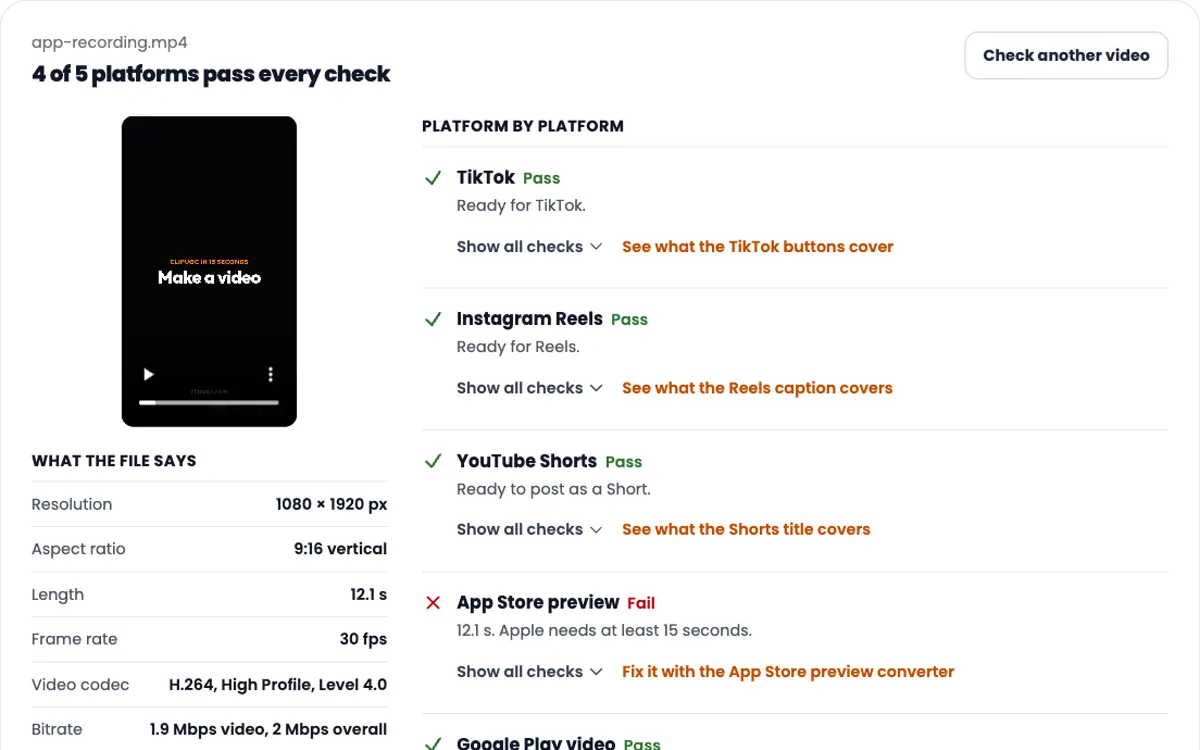
A 12-second app screen recording, 1080 × 1920, 2.9 MB.
What the file says
What TikTok asks for
Fail means the file breaks a limit TikTok states. Check means TikTok only advises against it.
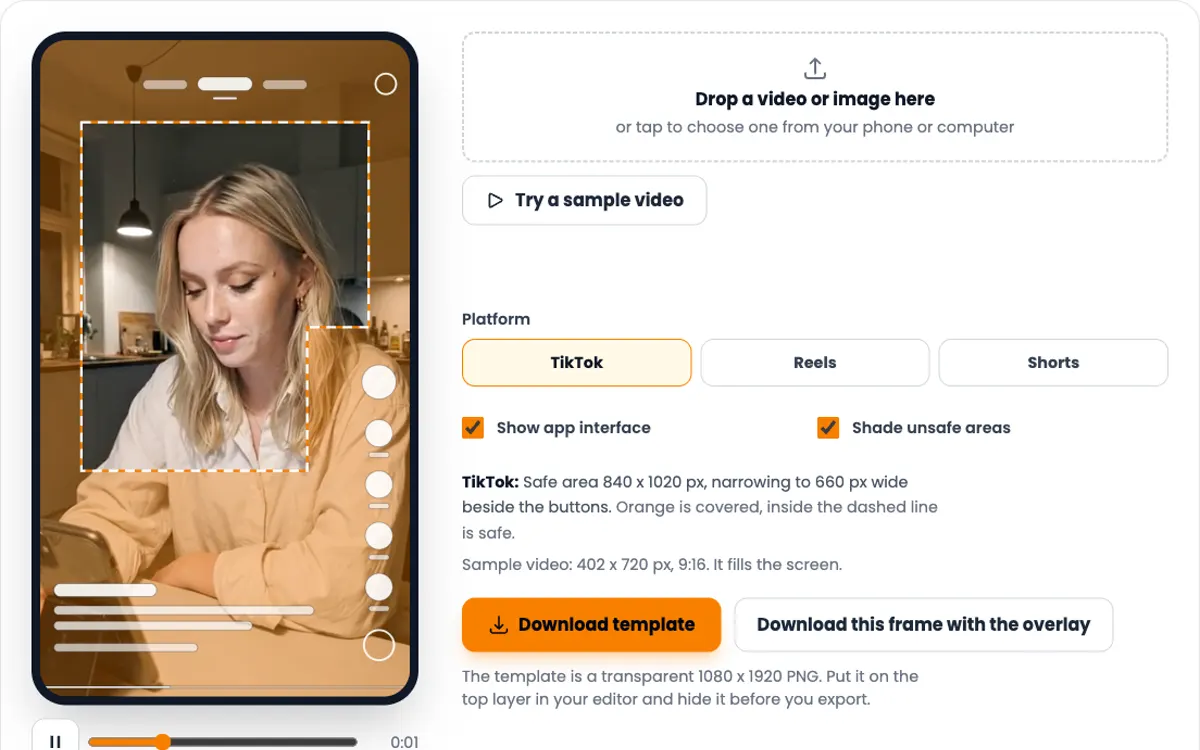
Quality is one half. Next, see what the buttons cover with the TikTok safe zone checker.
Making TikTok videos for an app?
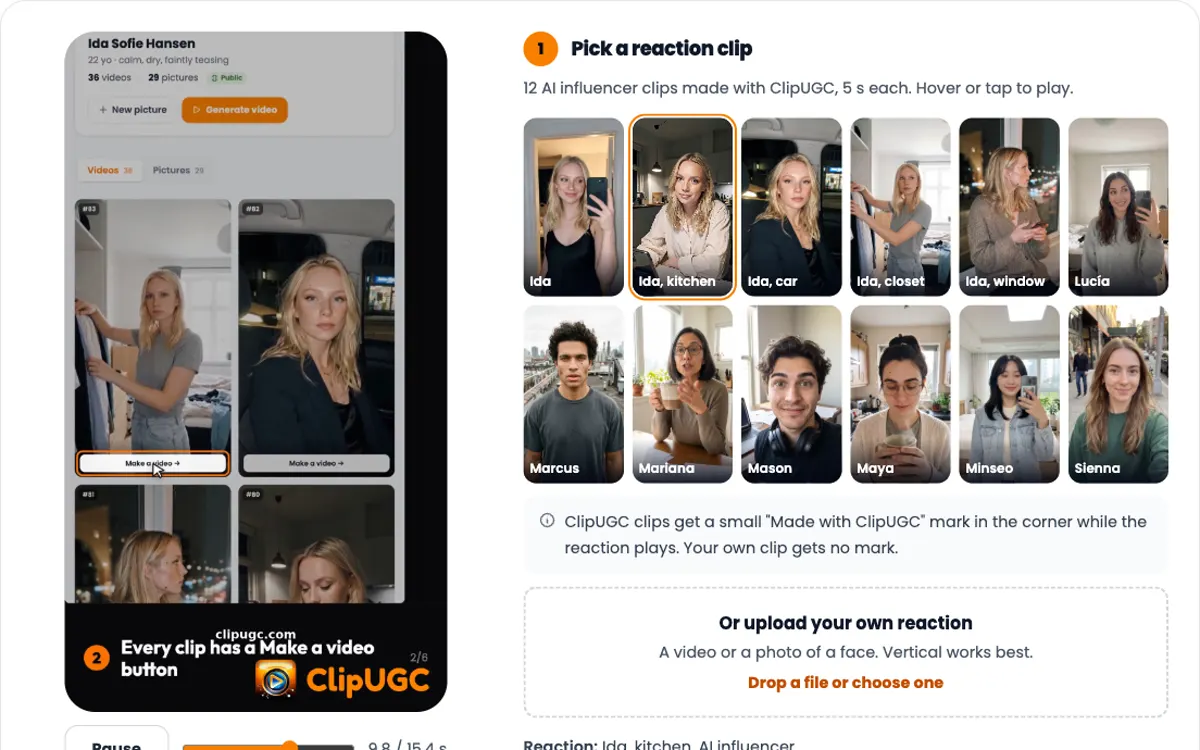
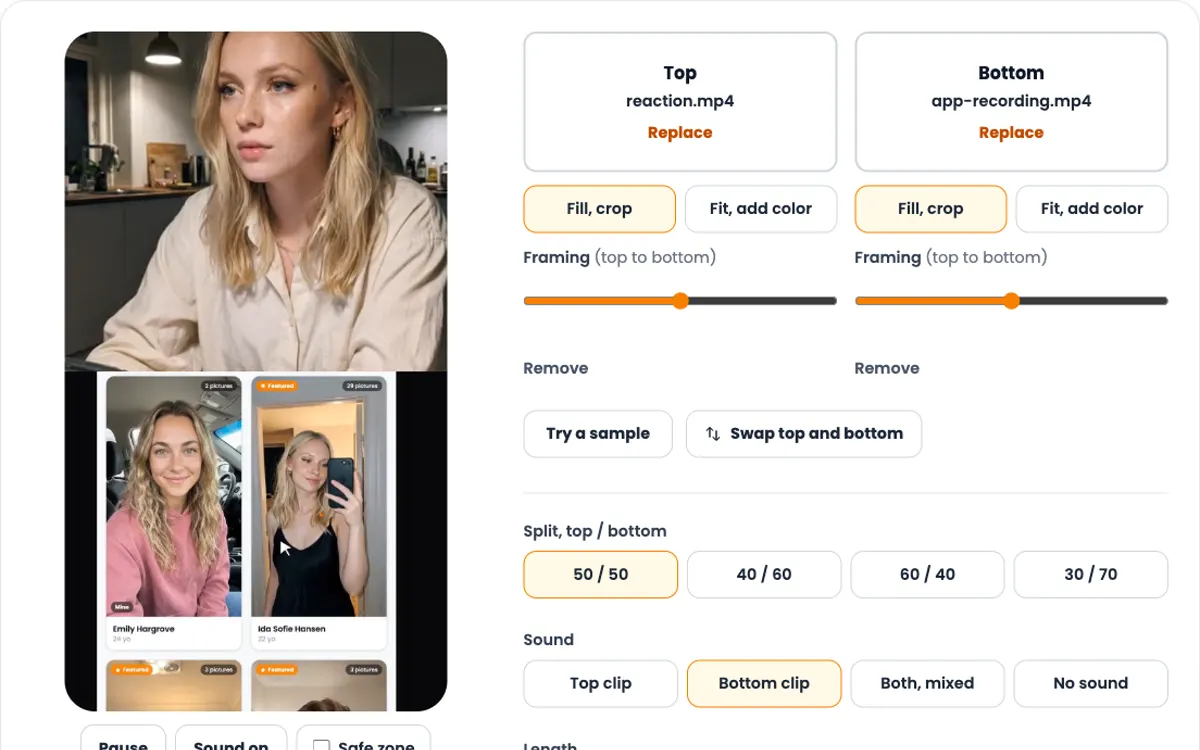
An AI influencer reacts, then your screen recording plays, in 9:16 for TikTok. Your first video takes about 4 minutes.
What video quality TikTok wants
A 9:16 vertical video at 23 to 60 fps, between 360 and 4096 px per side. TikTok for Business adds two more numbers: shoot at 720p or more, and keep the bitrate at 516 kbps or higher.
TikTok names no single best size. Export at 1080 × 1920, which is Full HD in 9:16. It clears every number here.
A safe export
1080 × 1920, 30 fps, MP4, H.264
Every part of it sits inside a limit TikTok publishes.
- Shape recommended
- 9:16 vertical. 1:1 and 16:9 are accepted but play with bars.
- Resolution required
- 360 to 4096 px on each side.
- Resolution to aim for recommended
- 720p or more, says TikTok for Business. 1080 × 1920 is Full HD in 9:16.
- Frame rate required
- 23 to 60 fps.
- Bitrate required
- 516 kbps or more for promoted videos. TikTok publishes no higher target.
- Length required
- Record up to 10 minutes in the app. Upload up to 60 minutes.
- File size required
- Up to 4 GB through posting tools. 500 MB for promoted videos.
- File type and codec recommended
- MP4 with H.264. MOV, WebM, H.265, VP8 and VP9 are accepted.
Sources, read 14 November 2026: TikTok for Developers, TikTok for Business specs, TikTok for Business best practices, TikTok Help Centre.
Why TikTok uploads look soft
TikTok processes every upload again before it goes live. It cannot add detail the file never had, so most blur starts in the file.
The file is smaller than the screen
A 720 × 1280 video on a Full HD phone is stretched to fit. Scaling it up later adds no detail. Export from the source at 1080 × 1920.
The bitrate is too low
Bitrate is how much data each second gets. Too little and motion turns blocky before TikTok touches it. TikTok lists 516 kbps as the floor, and most editors export far above it.
The shape is not 9:16
A 16:9 or square video is shrunk to fit a vertical screen, with bars around it. The picture uses a fraction of the pixels, so it looks soft even at 1080p.
It was saved more than once
Each export or chat app forward compresses the video again. Upload the first export from your editor, not a copy that was sent around.
The frame rate is outside 23 to 60
TikTok takes 23 to 60 fps. A 120 fps slow motion clip or a 15 fps screen capture falls outside it. Export at 30 or 60.
The upload setting in the app
Many accounts see a high quality upload switch on the post screen, under More options. TikTok's help centre has no page on it, so look at your own post screen before you post.
How to check a TikTok video's quality
-
1
Drop in the file you will post
Use the final export, not the project. A phone recording works too. Rotation is read from the file, so a vertical clip shows as vertical.
-
2
Read the four numbers
Resolution, frame rate, bitrate and length. These decide how the video looks before TikTok processes it.
-
3
Fix every Fail, then every Check
Fail breaks a limit TikTok states, such as 23 to 60 fps. Check is advice, such as 9:16 or 720p and up.
-
4
Export again and check the new file
Change the setting in your editor, not in a converter. Then run the new export through the checker once more.
Quality is right. Now check the framing
A sharp video can still hide its text under the caption and buttons.
-
TikTok safe zone checker
See what the TikTok caption and button column cover on your video.
-
Video resolution checker
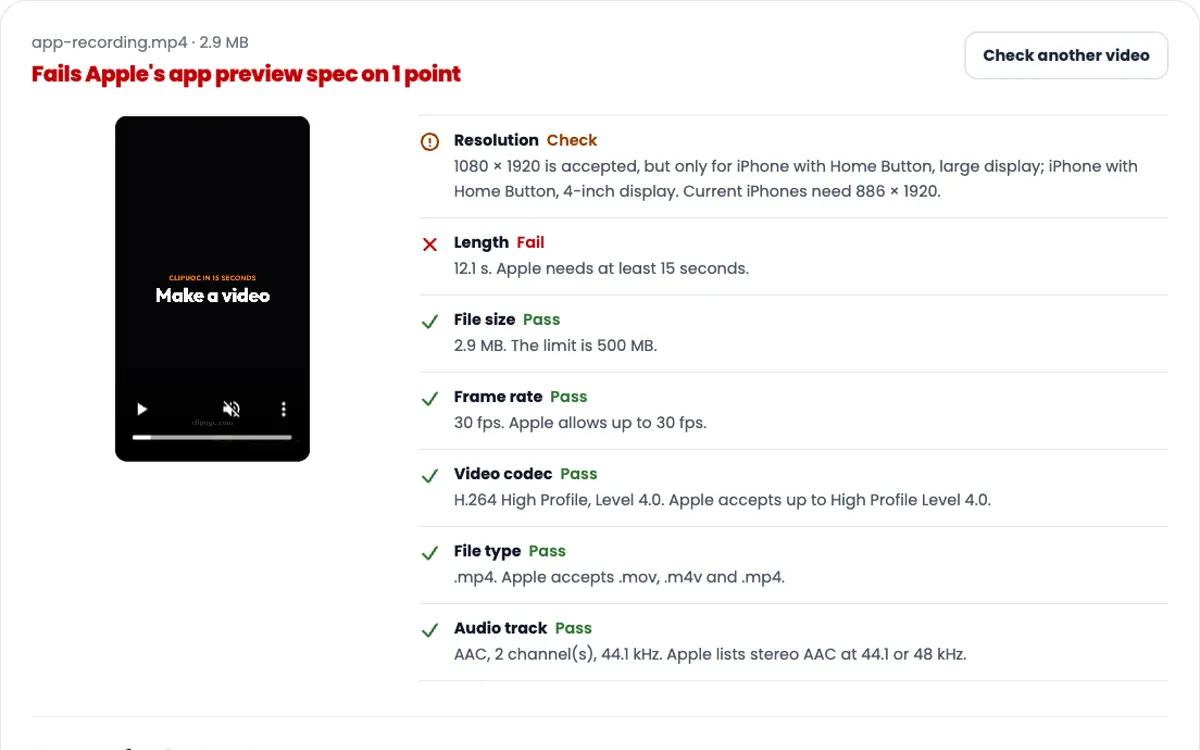
Posting the same file to Reels, Shorts or the App Store? Check all five at once.
Need the video itself?
ClipUGC makes vertical UGC videos for your app. An AI influencer says your hook, then your app footage plays. The result fits TikTok, Reels and Shorts.
Free credits. No card.
Ida, made with ClipUGC
More free tools
Questions people ask
A 9:16 vertical video between 360 and 4096 px per side, at 23 to 60 fps. TikTok for Business says to shoot at 720p or more and lists 516 kbps as the lowest bitrate. A 1080 x 1920 MP4 with H.264 clears all of it.
Export at 1080 x 1920. TikTok names no single best size. It accepts 360 to 4096 px per side and advises 720p or more. 1080 x 1920 is Full HD in 9:16, so a phone shows it without stretching.
Drop the file into the checker above. It reads the frame rate from the file in about a second. TikTok takes 23 to 60 fps, so 24, 25, 30, 50 and 60 all pass.
The only number TikTok publishes is a floor: 516 kbps or more for promoted videos. It gives no target above that. The checker shows your video bitrate so you can compare exports.
Most often the file was small, low in bitrate or not 9:16 before it was uploaded. TikTok processes every upload again, and it cannot put back detail the file never had. Check the file first, then export at 1080 x 1920.
TikTok's help centre says you can record up to 10 minutes in the app and upload videos up to 60 minutes. Posting tools and promoted videos stop at 10 minutes.
No. The checker reads the file in your browser. The video never leaves your phone or computer.
Your video passed the check. Now make one worth posting
Create an AI influencer, give them your hook, and add your app footage. Free credits cover the first video.