App promo video maker
A reaction clip with your hook, then your app demo. One 1080 × 1920 video for TikTok, Reels and Shorts, made in your browser.
Free No signup Files stay on your device
- Output size
- 1080 × 1920
- AI influencer reaction clips
- 12
- No signup
- $0
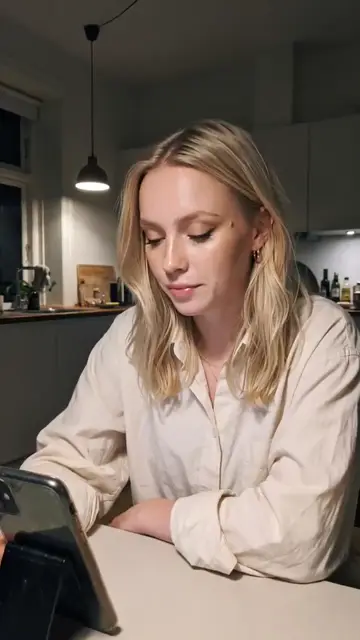 nobody talks about this app
 Then: app demo
Pick a reaction clip
12 AI influencer clips made with ClipUGC, 5 s each. Hover or tap to play.
ClipUGC clips get a small "Made with ClipUGC" mark in the corner while the reaction plays. Your own clip gets no mark.
Reaction:
Write the hook
Add the app demo
A 10 s app recording. Also fills in a reaction and a hook if they are empty.
Finish
Music (optional, your own file)
Export the MP4
This browser cannot encode H.264 video with AAC audio, so it cannot export. The preview still works. Use Chrome or Edge on a computer or an Android phone.
Pick a reaction and add an app demo to export.
This video gets the "Made with ClipUGC" mark during the reaction.
Your app promo video is ready
Want a reaction made for your app, with your own AI influencer? Make one with ClipUGC.
Everything runs in your browser. Your clips and music are never uploaded.
How to make an app promo video in 4 steps
All four happen in the tool above. A first video takes a few minutes.
-
1
Pick the reaction
Choose one of the 12 AI influencer clips, or upload a clip of your own face. A short look of surprise, a smirk or a slow nod is enough. Five seconds is plenty.
-
2
Write the hook
Type the one line people read while the reaction plays, or press Pick a hook for a tested line. Keep it short and set it inside the safe zone.
-
3
Add your app demo
Drop in a screen recording of the feature you want to show. On iPhone use Screen Recording in Control Center, on Android the screen recorder in Quick Settings. Set where it starts and how long it runs.
-
4
Finish and export
Choose a cut or a short crossfade, add your own music if you like, then export. You get one 1080 × 1920 MP4 at 30 fps, ready to post.
Why reaction first, then the app, works
This is the order ClipUGC uses for its own videos. Each part has one job, and they run one after the other.
0 to 5 s
Reaction and hook
5 s to the end
The app does the thing
-
A face stops the scroll
The first second decides if anyone watches. People pause for a person far more readily than for a phone screen.
-
The hook opens a question
The text says something is surprising. The viewer stays to find out what, and the demo answers it.
-
The demo is the proof
A real screen recording shows the feature working. No claim needs a long voiceover.
-
Full screen for each part
Played one after the other, the face and the app each get the whole 9:16 frame, so small app text stays readable.
-
One recording, many videos
Keep the demo and swap the reaction or the hook. Posting several versions shows which opening holds people longest.
Writing the hook
The hook is the only text on the reaction. Write it like a message to a friend: lowercase, short, no hashtags. Six patterns that fit this format:
Curiosity gap
Open a loop the viewer has to close.
“nobody talks about this app”
POV
Put the viewer inside the scene.
“POV: you finally found the app that actually works”
Secret
You are letting them in on something.
“the hack I wish someone told me”
Warning
Tell them they are doing it wrong.
“stop scrolling if you've ever given up on an app after one day”
Skeptic converted
Doubt first, then the turn.
“I thought this app was overhyped… then it did this”
Transformation
Show the before and the after.
“how I went from doing it by hand to done in one tap”
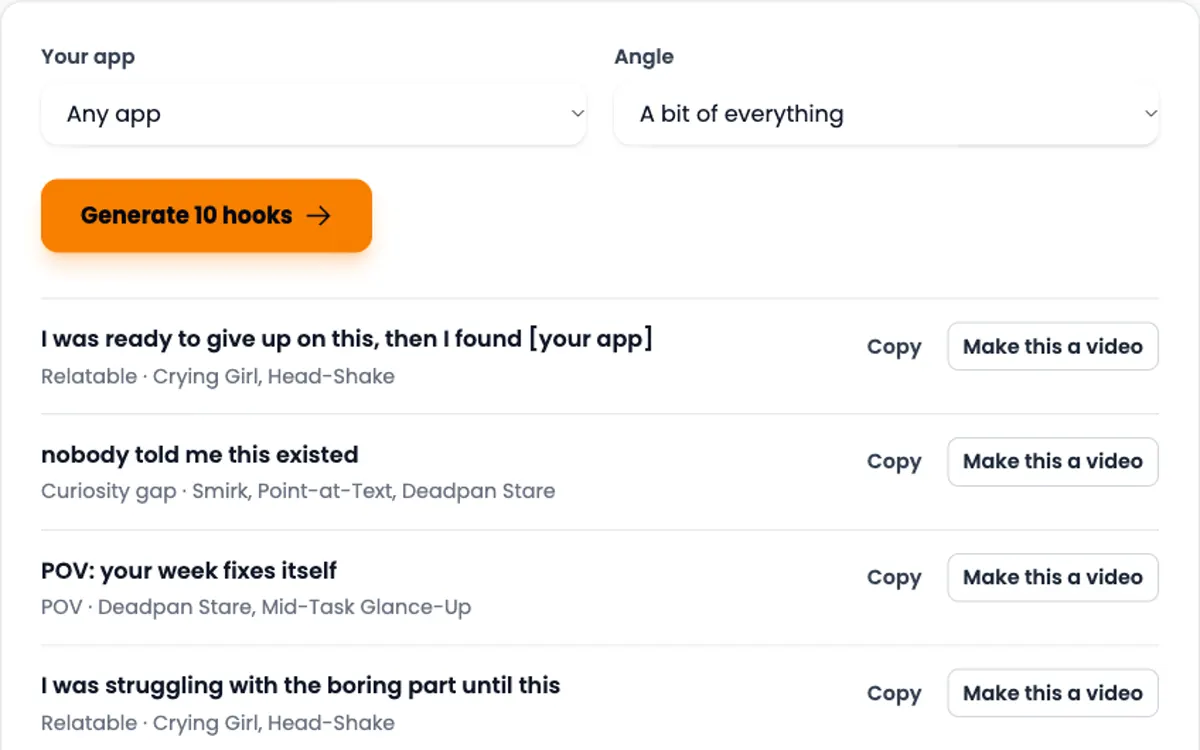
Match the reaction to the line. A smirk fits a secret, a slow nod fits a skeptic turned fan, wide eyes fit a before and after. Get ten hooks for your app niche.
Specs and posting tips
| Frame | 1080 × 1920, 9:16 (or 720 × 1280) |
|---|---|
| Frame rate | 30 fps, constant |
| File | MP4, H.264 video, AAC stereo audio |
| Reaction | Up to 15 s, 5 s for the AI influencer clips |
| App demo | Up to 30 s |
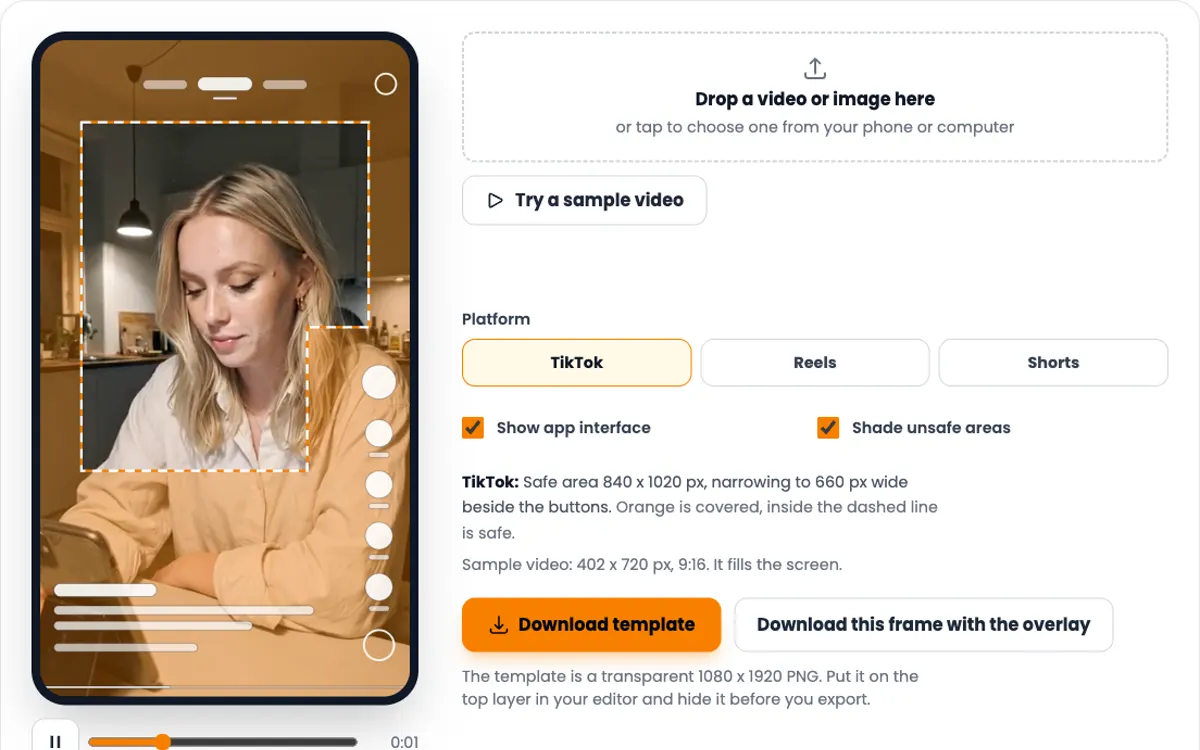
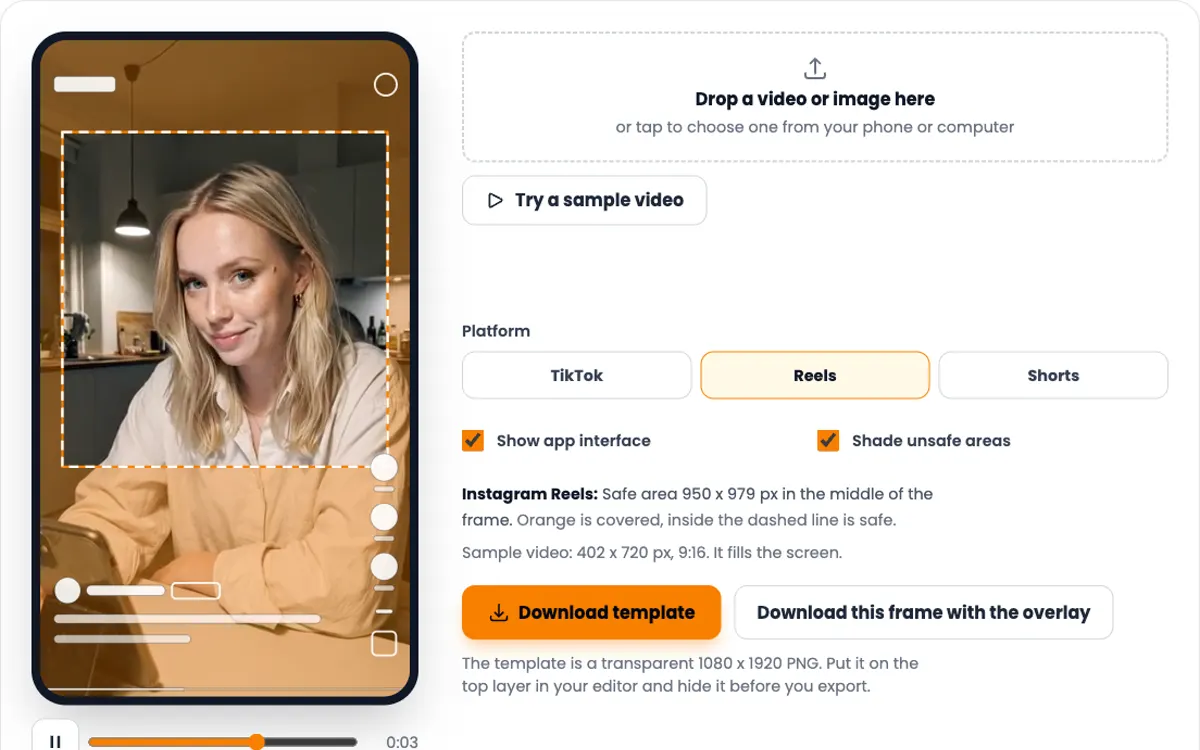
| Text area | 240 px from the top, 660 px from the bottom |
-
Keep it short
A 5 s reaction and a 10 to 20 s demo is a good start. Cut the demo to the moment the feature pays off.
-
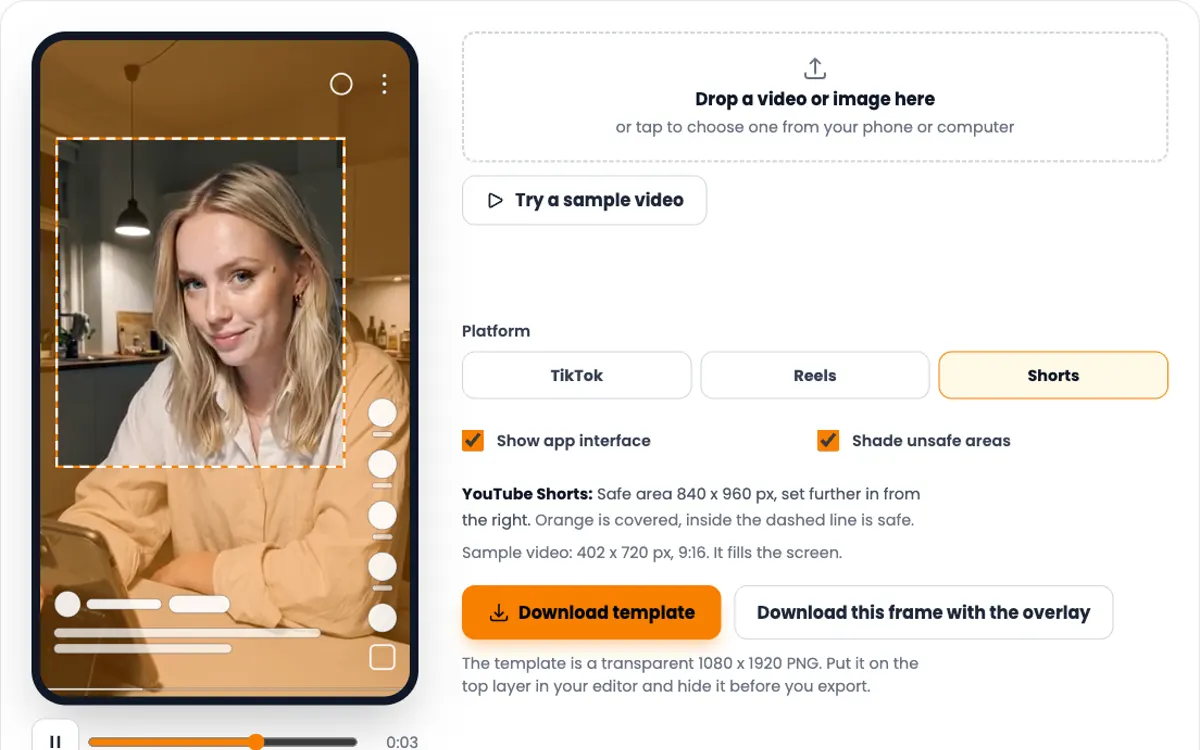
Keep text in the safe zone
The TikTok buttons, caption and username cover the edges. The hook slider only moves inside the safe zone. Check a finished video in the TikTok safe zone checker.
-
Choose the sound on purpose
Use music you have the rights to, or export with a silent track and pick a sound inside TikTok after you upload.
-
Check the file before posting
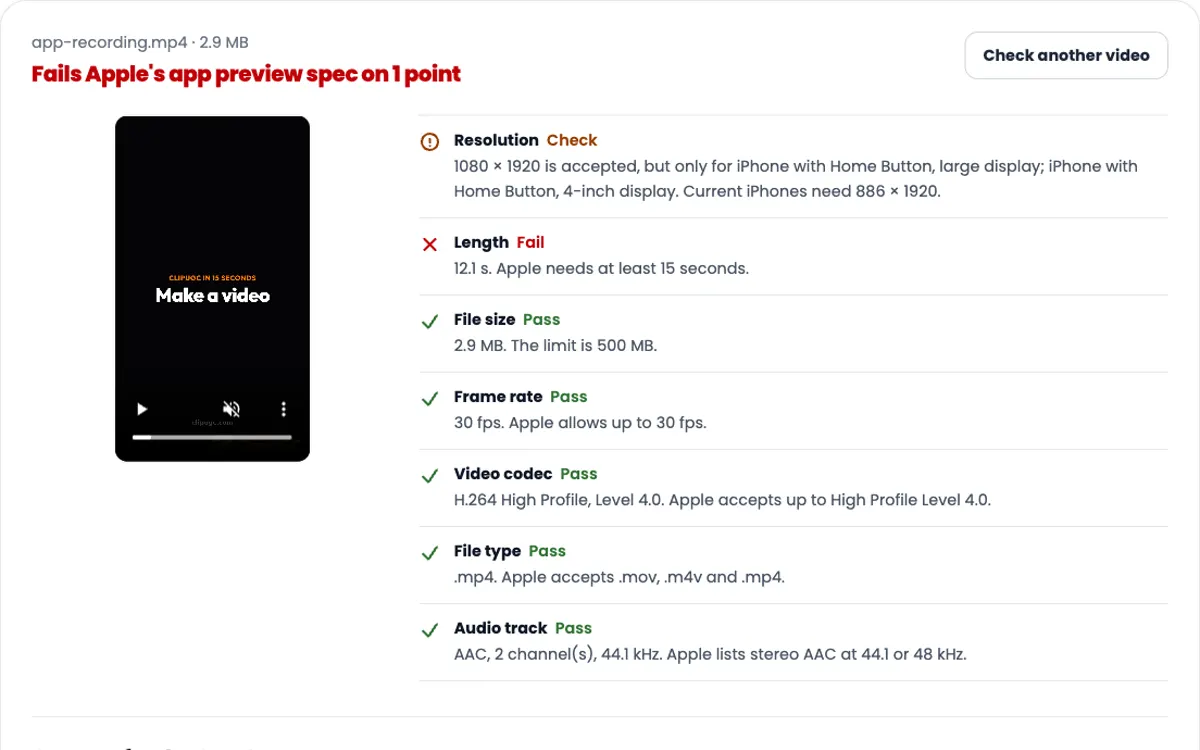
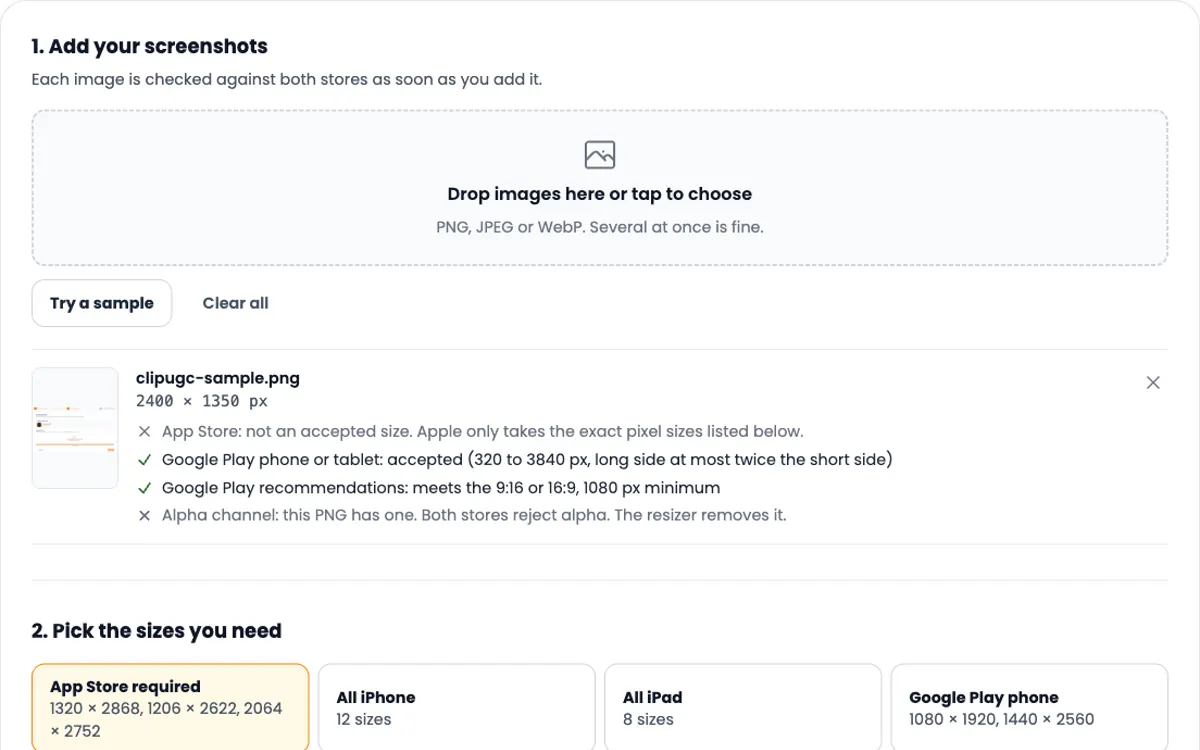
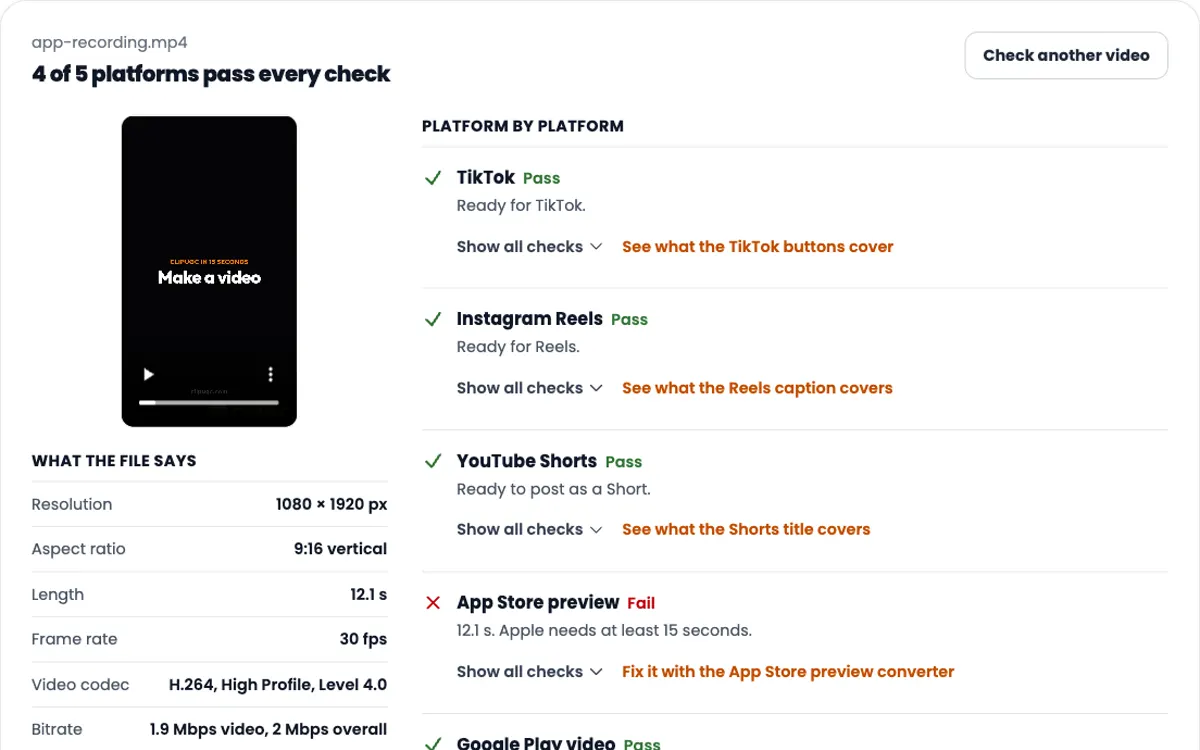
The video resolution checker tests one file against TikTok, Reels, Shorts and the app stores.
-
Want both on screen at once?
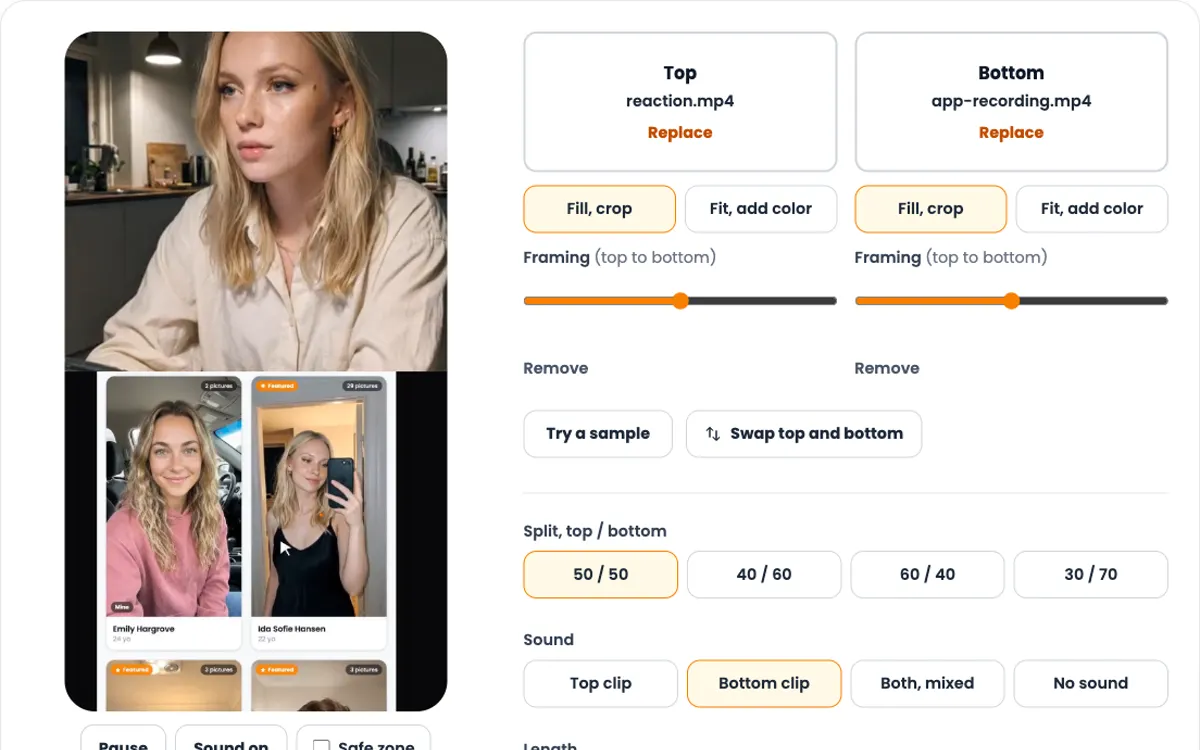
Stack the reaction over the demo instead with the vertical split screen video maker.
Need the video itself?
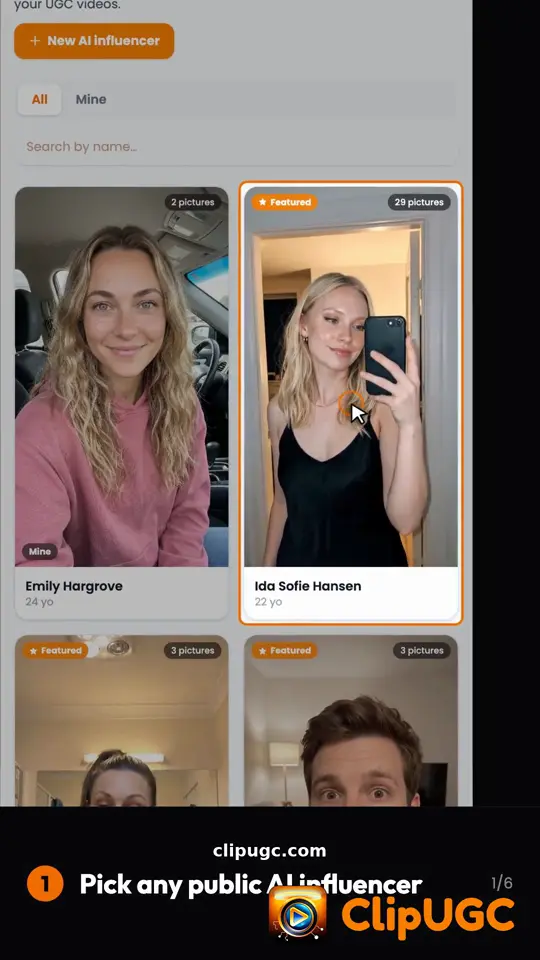
ClipUGC makes vertical UGC videos for your app. An AI influencer says your hook, then your app footage plays. The result fits TikTok, Reels and Shorts.
Free credits. No card.
Ida, made with ClipUGC
More free tools
Questions people ask
Pick a reaction clip, write one hook line, then add a screen recording of your app. The tool plays the reaction with the hook first, then the demo, and exports one 1080 × 1920 MP4 for TikTok, Reels and Shorts. It takes a few minutes and costs nothing.
A short clip of a person reacting to something on screen: surprise, a smirk, a nod. In an app video the reaction comes first with a line of text, and the app demo shows what the person reacted to.
Yes. The 12 reaction clips are made by ClipUGC with AI influencers and are free to use in your video. Videos made with them carry a small "Made with ClipUGC" mark in the corner while the reaction plays. Upload your own clip and the video has no mark.
No. Your clips, your music and the finished video are read and encoded in your browser. Nothing is sent to a server, so private recordings stay private.
Yes. Upload your own audio file, set the volume and choose a fade out at the end. You can keep or mute the sound of the clips. No music is bundled, so you choose a track you have the rights to.
1080 × 1920 pixels, 9:16, at 30 fps, as an H.264 MP4. Keep it under about 30 seconds and keep text inside the safe zone so the TikTok buttons and caption never cover it.
Export needs a browser that can encode H.264 video and AAC audio, such as current Chrome or Edge on a computer or an Android phone. The tool checks this before you start and says so if yours cannot.
Want a reaction made for your app?
Create your own AI influencer with a face that stays the same. Write the hook, add your app footage, and get the finished video. Free credits cover the first one.