App Store preview video checker
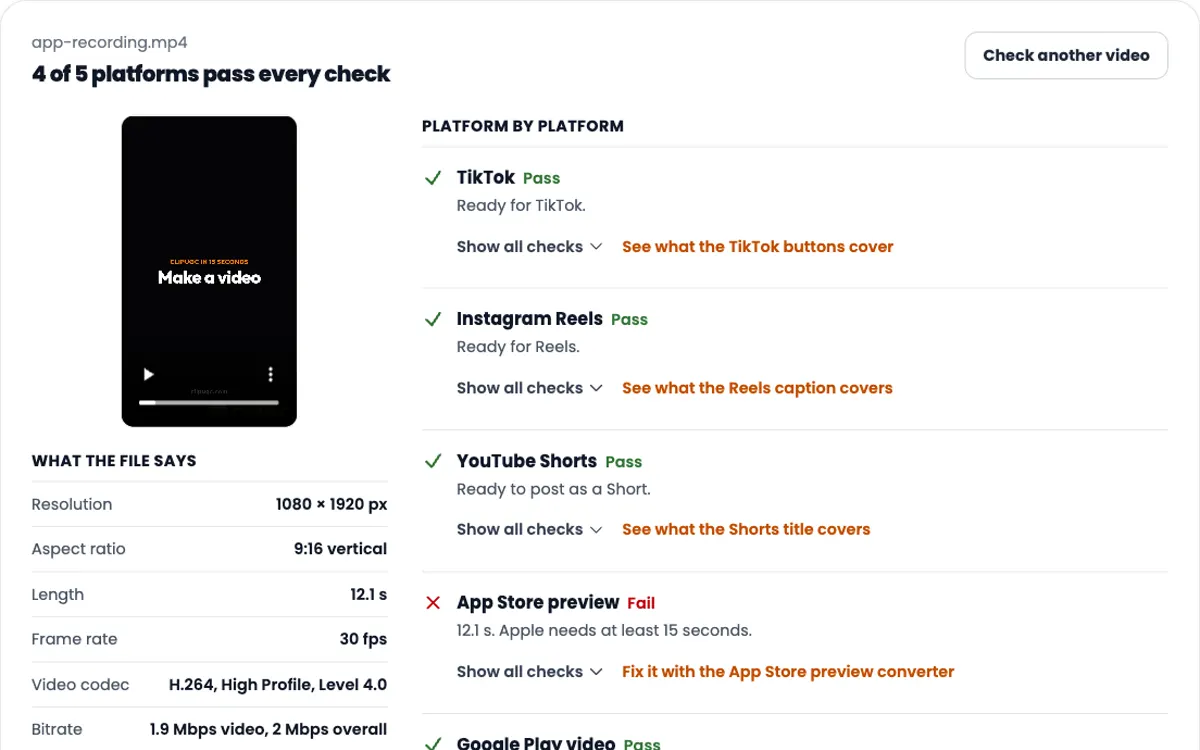
App previews must be 15 to 30 seconds, 500 MB or less, 30 fps at most, H.264, and 886 × 1920 for current iPhones.
Free No signup Files stay on your device
- Current iPhones
- 886 × 1920
- Length
- 15-30 s
- Max file size
- 500 MB
A 12-second app screen recording, 2.9 MB.
Convert for the App Store
Makes an MP4 with H.264 video, stereo AAC audio at 256 kbps, 30 fps or less, and 15 to 30 seconds long. It runs on your device.
This browser cannot encode H.264 video with AAC audio. Use Chrome or Edge on a Mac or Windows computer. The checklist above still works here.
App preview specifications
These are the rules from Apple's App Store Connect help, checked on October 9, 2026. They apply to every app preview you upload.
- Length
- 15 to 30 seconds
- File size
- 500 MB at most
- Frame rate
- 30 fps at most
- Video codec
- H.264, progressive, up to High Profile Level 4.0, target 10 to 12 Mbps. Or ProRes 422 HQ, about 220 Mbps.
- File type
- .mov, .m4v or .mp4 for H.264. .mov for ProRes.
- Audio
- Stereo AAC at 256 kbps, 44.1 or 48 kHz. ProRes files may use PCM instead. All tracks enabled.
- How many
- Up to 3 previews per device size and language
- Poster frame
- Taken at 5 seconds unless you pick another
Accepted resolutions by device
Sizes are in pixels. Every iPhone with Face ID or a Dynamic Island takes the same 886 × 1920 file.
| Device class | Portrait | Landscape |
|---|---|---|
| iPhone with Dynamic Island, large display iPhone Air, 16 Pro Max and later Pro Max, 16 Plus, 15 Plus, 14 Pro Max | 886 × 1920 | 1920 × 886 |
| iPhone with Face ID, large display iPhone 14 Plus, 13 Pro Max, 12 Pro Max, 11 Pro Max, 11, XS Max, XR | 886 × 1920 | 1920 × 886 |
| iPhone with Dynamic Island, medium display iPhone 17, 16 Pro, 16, 15 Pro, 15, 14 Pro and later Pro models | 886 × 1920 | 1920 × 886 |
| iPhone with Face ID, medium display iPhone 17e, 16e, 14, 13 Pro, 13, 13 mini, 12 Pro, 12, 12 mini, 11 Pro, XS, X | 886 × 1920 | 1920 × 886 |
| iPhone Duo Device resolutions 2034 × 1398 and 2853 × 2007 | 886 × 1920 | 1920 × 886 |
| iPhone with Home Button, large display iPhone 8 Plus, 7 Plus, 6s Plus, 6 Plus | 1080 × 1920 | 1920 × 1080 |
| iPhone with Home Button, medium display iPhone SE (2nd and 3rd generation), 8, 7, 6s, 6 | 750 × 1334 | 1334 × 750 |
| iPhone with Home Button, 4-inch display iPhone SE (1st generation), 5s, 5c, 5 | 1080 × 1920 | 1920 × 1080 |
| iPad 13-inch display iPad Pro (M5, M4, 1st to 6th generation), iPad Air (M2 and later) | 1200 × 1600 | 1600 × 1200 |
| iPad Pro 12.9-inch (2nd generation) Falls back to the 13-inch preview if missing | 1200 × 1600 900 × 1200 |
1600 × 1200 1200 × 900 |
| iPad 11-inch display iPad Pro, iPad Air, iPad (A16, 10th generation), iPad mini (A17 Pro, 6th generation) | 1200 × 1600 | 1600 × 1200 |
| iPad 10.5-inch display iPad Pro, iPad Air (3rd generation), iPad (7th to 9th generation) | 1200 × 1600 | 1600 × 1200 |
| iPad 9.7-inch display Older iPad Pro, iPad Air, iPad and iPad mini models | 900 × 1200 | 1200 × 900 |
| Mac Landscape only | None | 1920 × 1080 |
| Apple TV Landscape only | None | 1920 × 1080 |
| Apple Vision Pro Landscape only | None | 3840 × 2160 |
If your app looks the same on every size, upload only the largest version and Apple scales it down. A missing iPhone slot falls back to a related class. App previews are not supported for iMessage apps or the 3.5-inch iPhone.
How to make an app preview that passes
-
1
Record the app itself
Use screen recording in Control Center on an iPhone, or record the Simulator with xcrun simctl io booted recordVideo preview.mov. Simulator recordings have no audio track, so plan to add one.
-
2
Cut it to 15 to 30 seconds
Show the main feature in the first few seconds. Previews autoplay with the sound off, so every scene has to read without audio.
-
3
Convert it to an Apple size
886 × 1920 for iPhone, 1200 × 1600 for iPad, at 30 fps or less, H.264 with stereo AAC. The converter above does all of it and adds a silent track when needed.
-
4
Upload it in App Store Connect
Open your app version, find Previews and Screenshots, pick the device size and drop the file in. Processing can take up to 24 hours.
-
5
Pick a poster frame
People who turned off autoplay see one still frame. Apple uses the frame at 5 seconds by default, so choose one that shows what the app does.
What Apple rejects in a preview
App Review Guideline 2.3.4 says previews may only use video screen captures of the app itself. Apple's app preview guidance adds the rest.
Allowed
- Screen captures of your app in use
- Narration, and text or video overlays that explain a feature
- One music track you have the rights to
- Sound effects from your app or game
- A note that a feature needs a purchase, subscription or login
Not allowed
- People holding a device, hands, or fingers tapping the screen
- Footage that is not from the app
- Specific prices, since they differ by country
- Transitions that suggest features the app does not have
- Violence, adult themes, profanity or personal data
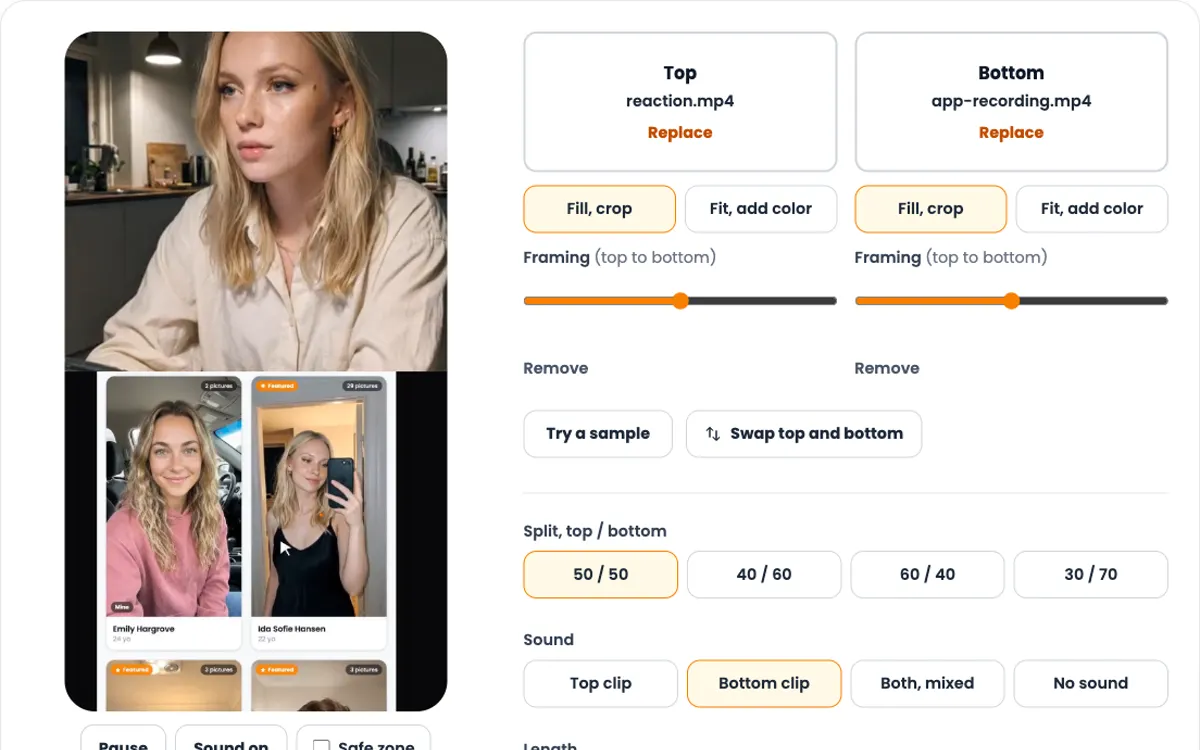
A preview with an on-camera person belongs on TikTok or Reels, not on the App Store page. The App Store slot is for the app on screen.
Google Play promo video
Google Play does not take a video file. You paste a YouTube link in Play Console, and the video plays from YouTube.
- Use the link to one video, not a playlist or channel
- No extra parameters such as a start time in the link
- Set it to public or unlisted, never private
- It must be embeddable and not age restricted
- Turn monetization off on the video
- Portrait and landscape both work
- Google asks that at least 80 percent of it shows the app itself
The 886 × 1920 file from the converter works here too. Upload it to YouTube as an unlisted video and paste that link into Play Console.
Next steps
-
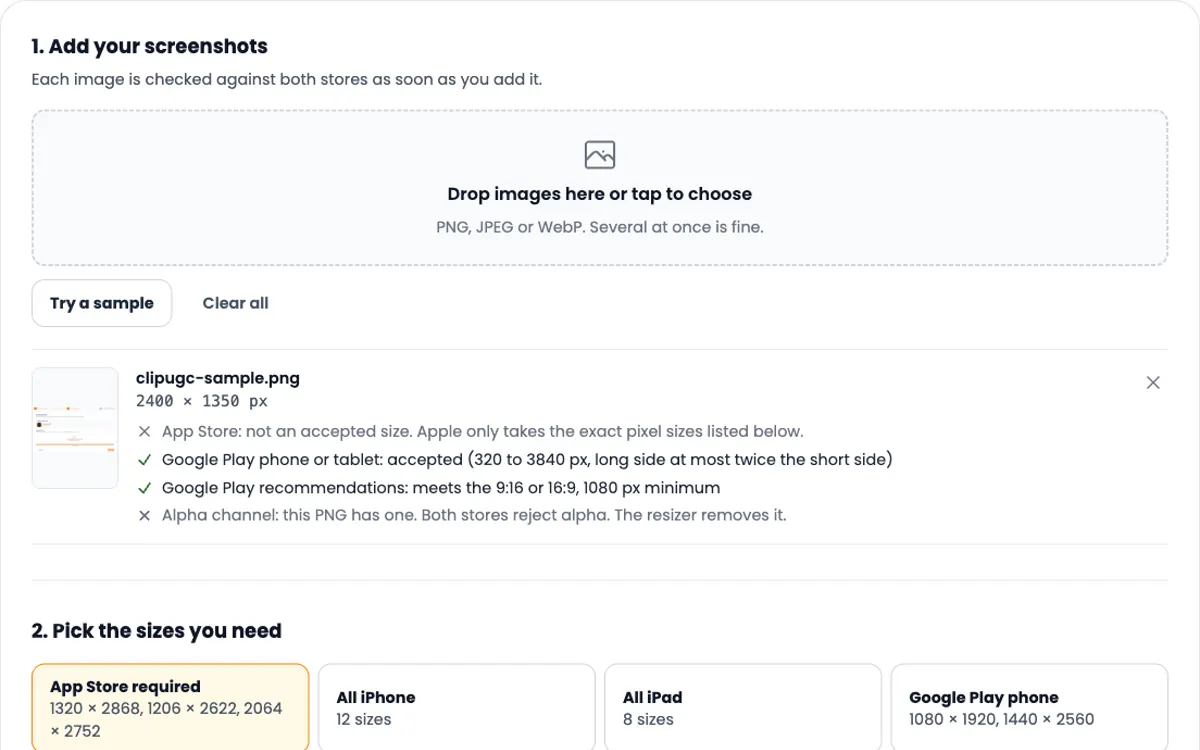
App Store screenshot sizes
The screenshots sit right after your preview. Get every size and resize yours.
-
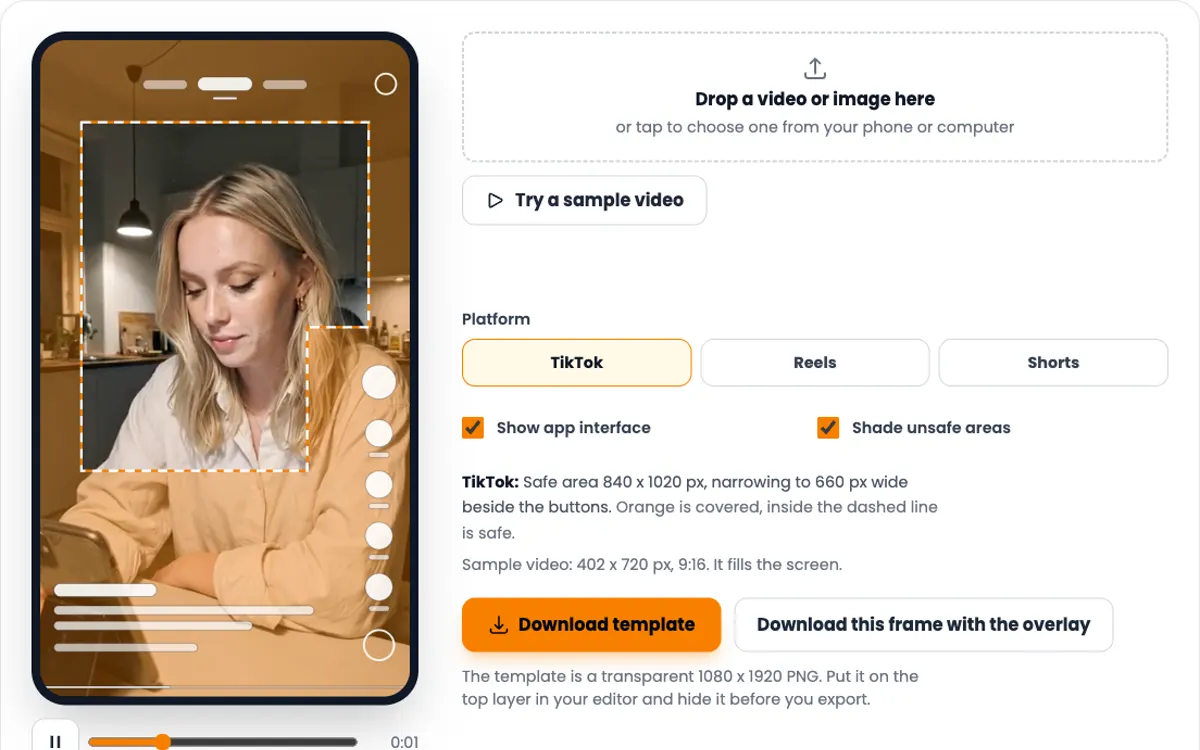
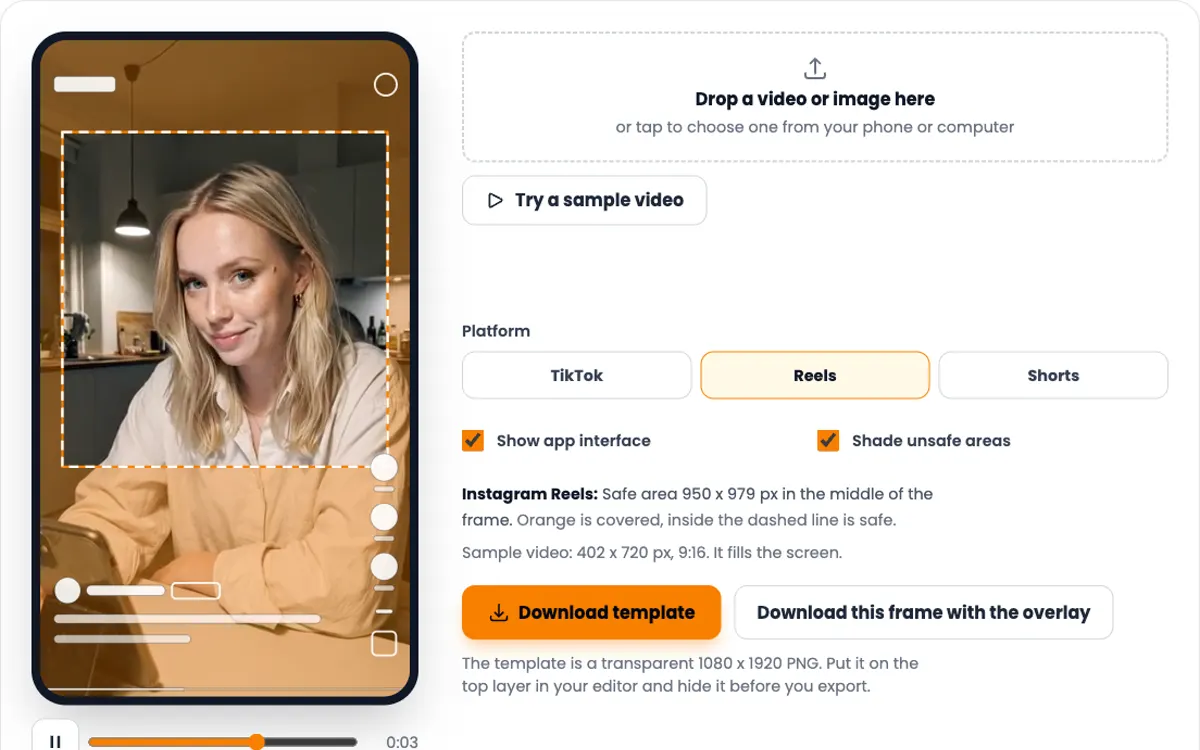
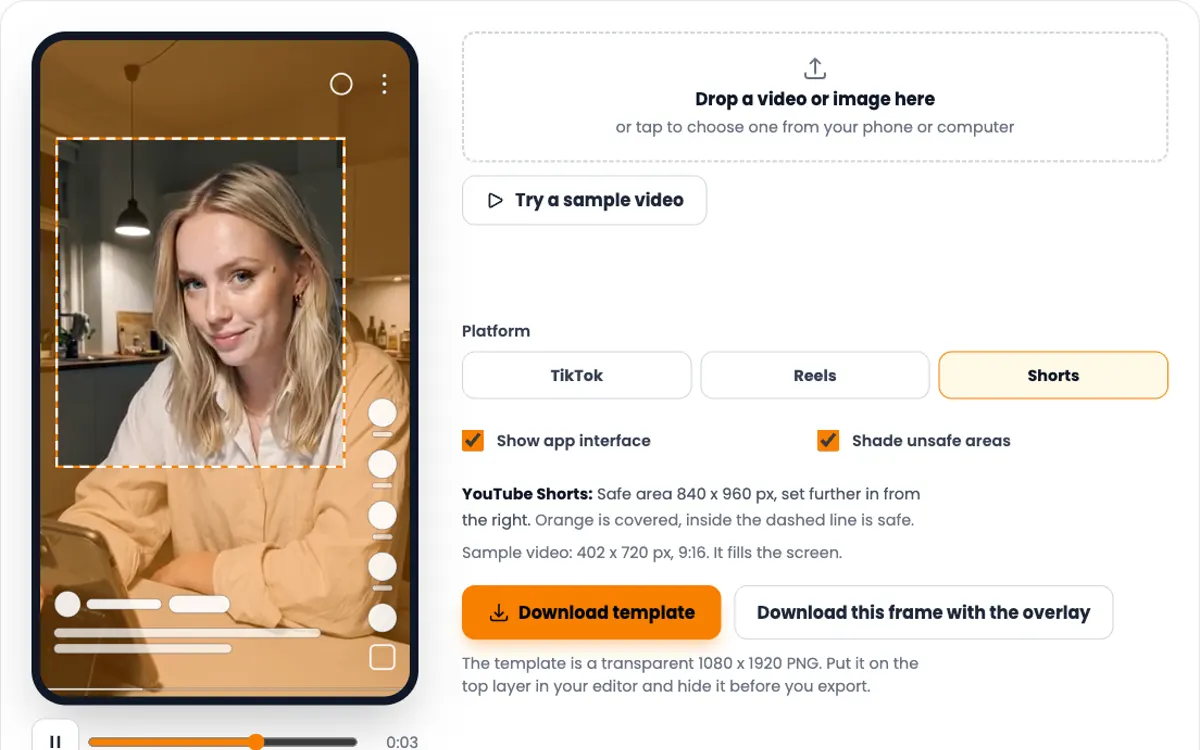
TikTok safe zone checker
Posting the same clip on TikTok? See what the buttons cover first.
-
TikTok hook generator
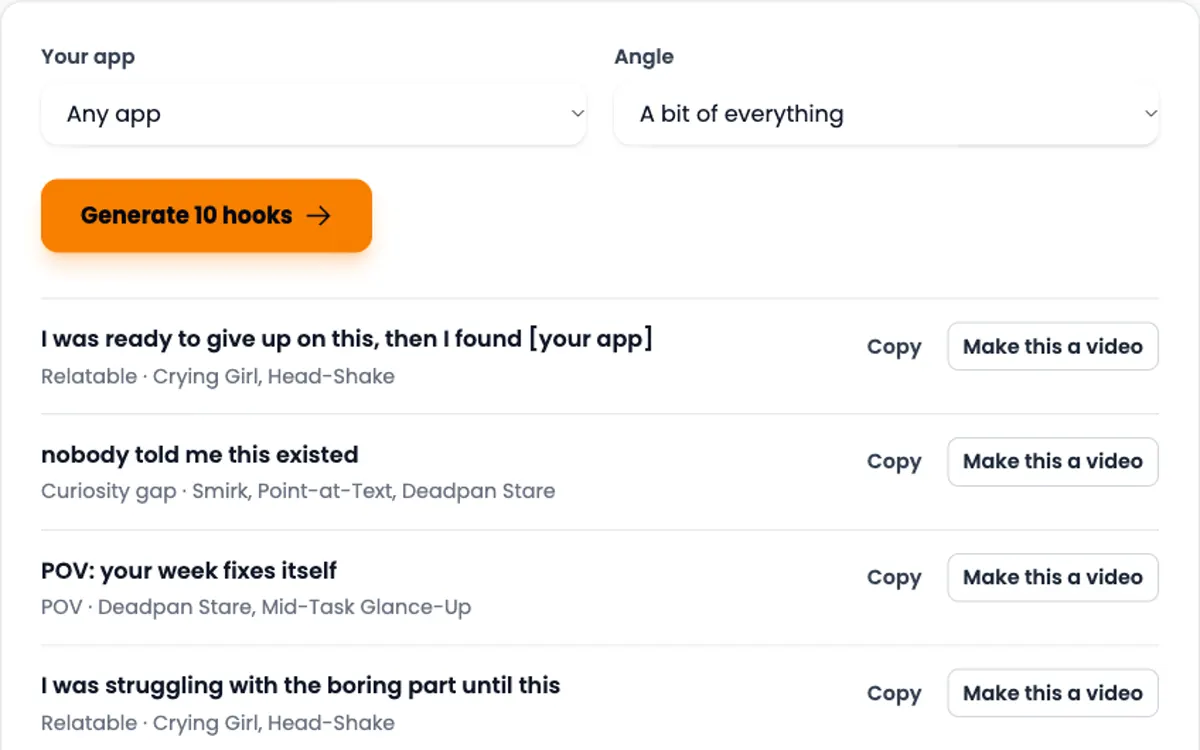
Ten opening lines for your app niche, for the first second of a video.
Need the video itself?
ClipUGC makes vertical UGC videos for your app. An AI influencer says your hook, then your app footage plays. The result fits TikTok, Reels and Shorts.
Free credits. No card.
Ida, made with ClipUGC
More free tools
Questions people ask
For every current iPhone, 886 x 1920 pixels in portrait or 1920 x 886 in landscape. iPads take 1200 x 1600 or 1600 x 1200. Mac and Apple TV take 1920 x 1080, landscape only.
Between 15 and 30 seconds, and 500 MB at most. You can add up to three previews for each device size and language.
Yes. Apple suggests one soundtrack across the whole preview, and sound effects from your app are fine. Previews autoplay muted, so the video must make sense without sound. Only use music you have the rights to.
Apple lists stereo AAC at 256 kbps and 44.1 or 48 kHz, but does not say a silent file is accepted. Uploads with no audio track are widely reported to fail, so add a silent track. The converter on this page does that for you.
Usually one of two things. The file breaks a rule: wrong size, over 30 fps, under 15 seconds, or no audio track. Or the content breaks one: footage that is not from the app, hands or people holding a device, prices on screen, or features the app does not have.
No. If your interface looks the same on every size, upload the largest one and Apple scales it down. Each iPhone class also falls back to a related class when its own slot is empty.
No. Google Play takes a YouTube link, not a file. The video must be public or unlisted, embeddable, not age restricted, and have monetization turned off.
Your video passed the check. Now make one worth posting
Create an AI influencer, give them your hook, and add your app footage. Free credits cover the first video.