Vertical split screen video maker
Stack a reaction clip on top and your app screen recording below. Export one 1080 × 1920 MP4 for TikTok, Reels and Shorts.
Free No signup Files stay on your device
- Output size
- 1080 × 1920
- H.264 + AAC MP4
- 30 fps
- Longest video
- 60 s
. Drag the preview or use the framing slider to reframe.
The sample is a 5 s reaction clip and a 12 s app recording.
This browser cannot encode H.264 video with AAC audio, so it cannot export. The preview still works. Use Chrome or Edge on a computer or an Android phone.
Add a clip or image to both slots to export.
Your split screen video is ready
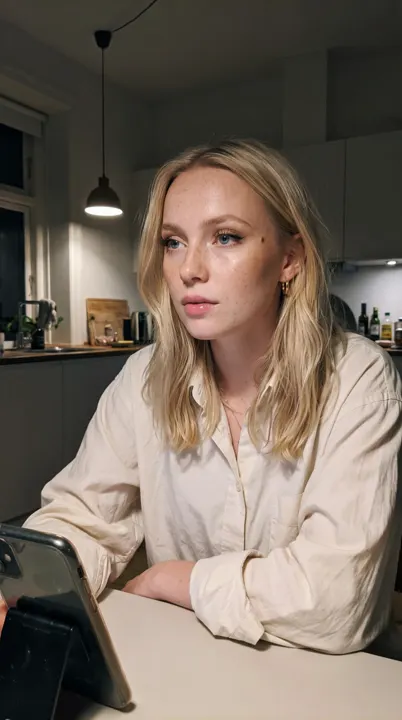
No reaction clip of your own? An AI influencer can film one for you.
Everything runs in your browser. Your clips are never uploaded, and the video has no watermark.
How to make a vertical split screen video
Five steps, all in the tool above. It takes about a minute for a 15 second video.
-
1
Add the top clip
Drop in the reaction: a face looking at the phone, nodding, laughing or surprised. Vertical phone footage works best. A photo works too.
-
2
Add the bottom clip
Drop in the screen recording of your app. On iPhone use Screen Recording in Control Center. On Android use the screen recorder in Quick Settings.
-
3
Pick the split and framing
50 / 50 gives both halves equal weight. Use Fill to crop each clip to its half, then drag the preview up or down so the face and the key part of the screen stay in frame.
-
4
Choose the sound and add a hook
Pick which clip you hear, or mix both. Add one line of hook text and move it inside the safe zone so the TikTok buttons never cover it.
-
5
Export and post
Export makes a 1080 × 1920 MP4 at 30 fps. Download it and upload it to TikTok, Instagram Reels or YouTube Shorts as a normal video.
Why reaction on top works for app videos
A screen recording alone looks like a tutorial. A face alone gives no proof. Stacked, each half does one job.
-
The face catches the first second
People scroll past screens, but they stop for a person. A clear reaction in the top half gives the viewer a reason to stay.
-
The app proves the claim
The bottom half shows the real feature working. The viewer sees what the face is reacting to, so the video needs no long explanation.
-
It reads with the sound off
Many people watch muted. A facial reaction plus one line of text tells the story without audio.
-
It looks native to the feed
Stacked reaction videos are a common format on TikTok and Reels. They look like a post from a person, not a polished commercial.
-
It is quick to make again
Keep the same reaction and swap in a new recording for each feature. One face clip can carry several videos.
Layout tips for split screen videos
Keep faces and text in the safe zone
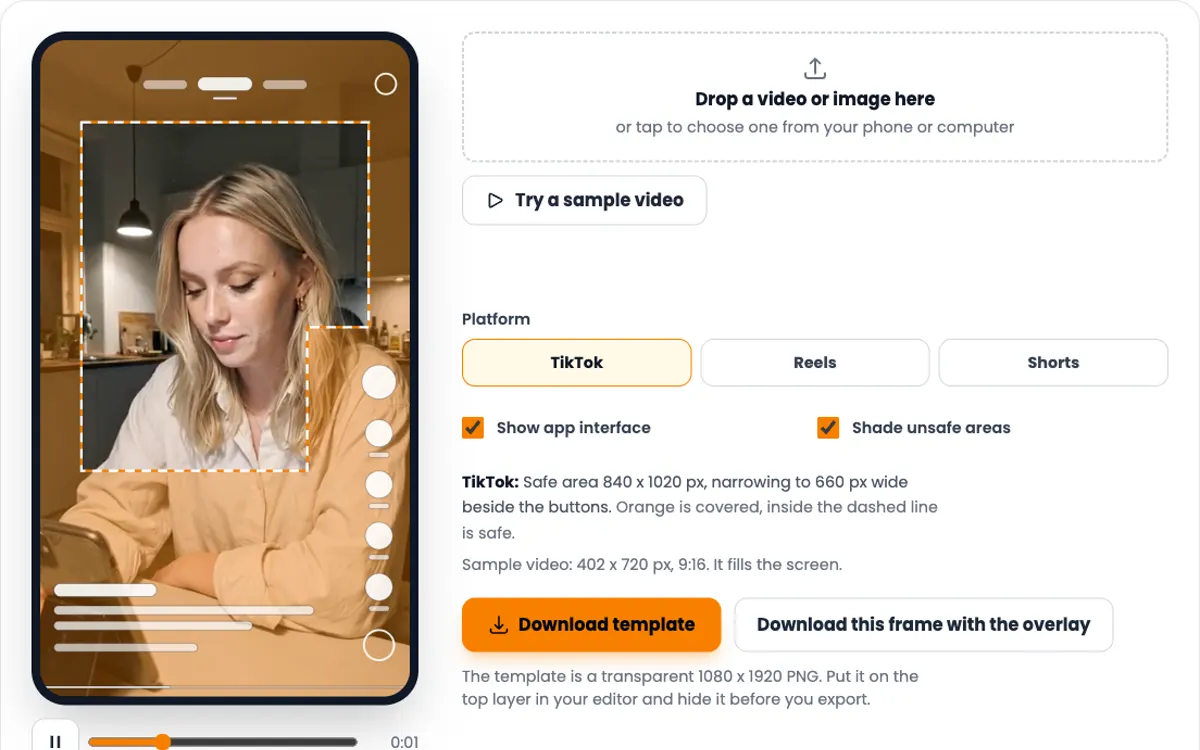
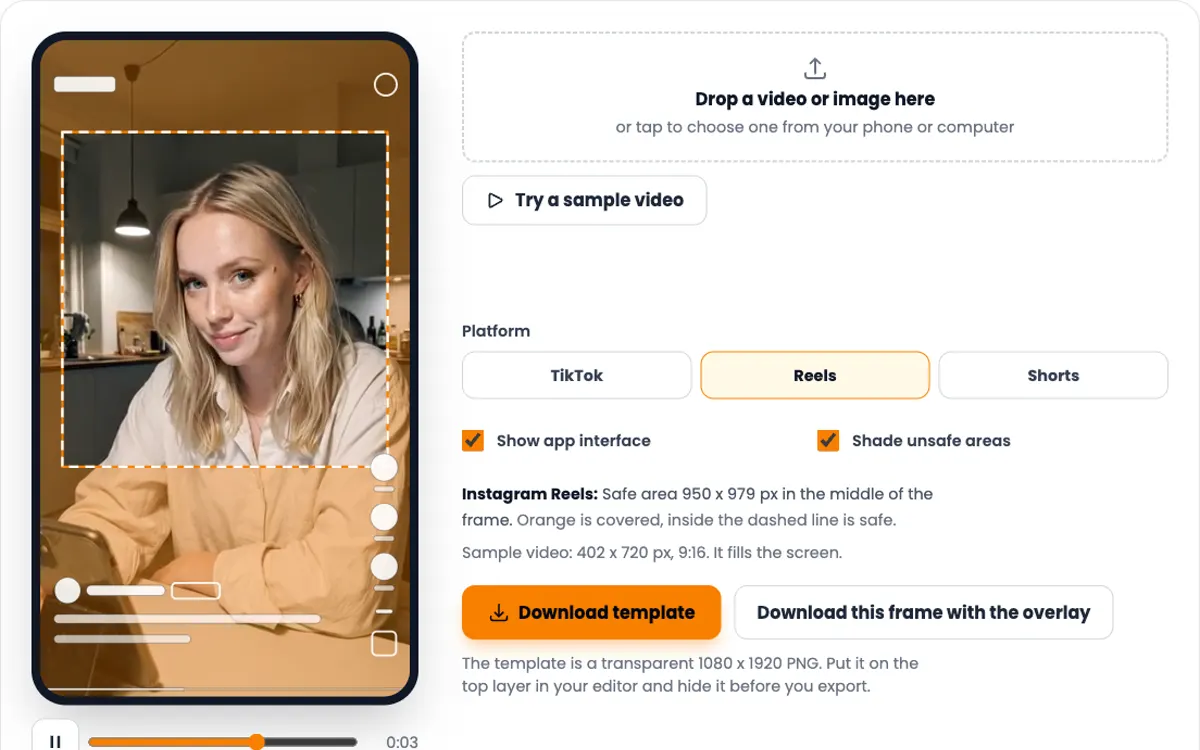
On a 1080 × 1920 TikTok video the top 240 px, the bottom 660 px and 120 px on each side sit under the app interface. From 840 px down, the button column covers the right 300 px.
Turn on the Safe zone guide in the preview to see the line. The hook text slider only moves inside it, so the text stays readable.
Pick the split for the content
| Split | Top | Bottom | Use it when |
|---|---|---|---|
| 50 / 50 | 960 px | 960 px | Both halves matter equally |
| 40 / 60 | 768 px | 1152 px | The app screen needs more room |
| 60 / 40 | 1152 px | 768 px | The reaction carries the video |
| 30 / 70 | 576 px | 1344 px | A small face over a full app tour |
Heights on a 1080 × 1920 frame.
Choose the sound on purpose
- Top clip Best when the person on top talks or laughs. The app recording stays silent.
- Bottom clip Best for app sounds, a voiceover recorded with the screen, or a silent reaction.
- Both, mixed Plays the two tracks together. It works best when one of them is quiet.
- No sound Adds a silent track, so you can pick a trending sound in TikTok after you upload.
When the two clips differ in length, Shortest clip ends with the shorter one. Longest clip keeps going and holds the last frame of the shorter clip.
Check it before you post
-
TikTok safe zone checker
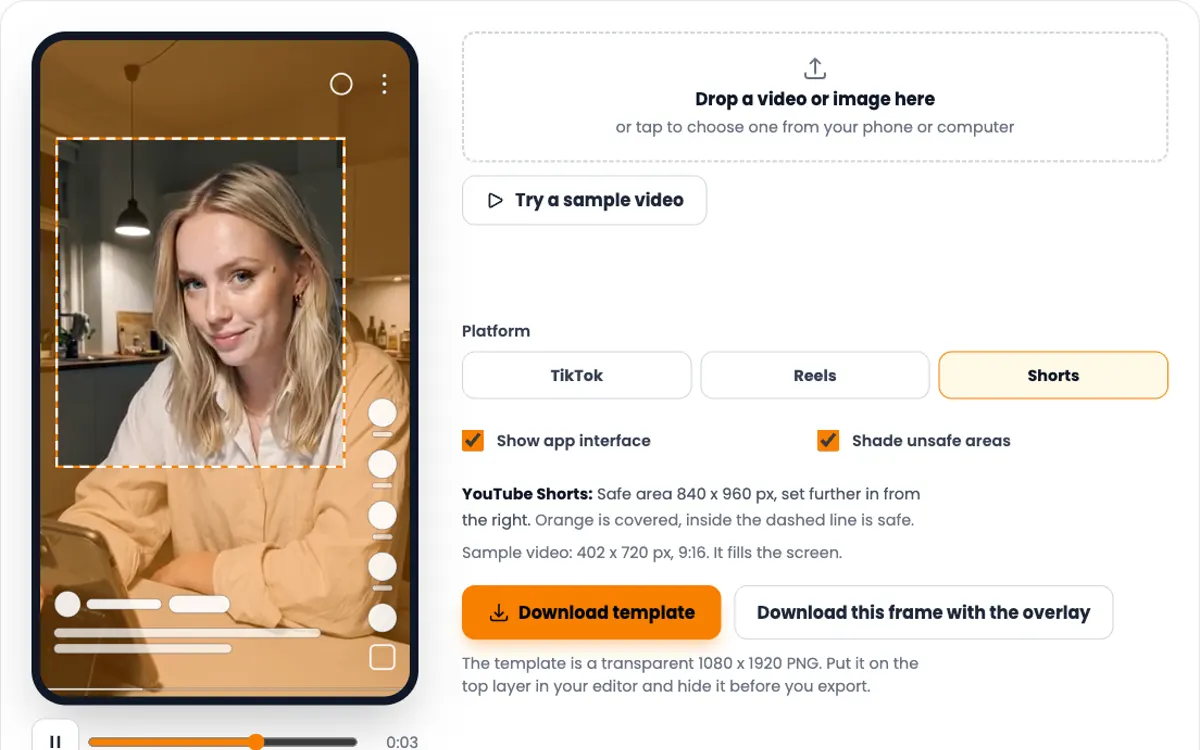
Load the finished video and see exactly what the buttons and caption cover.
-
UGC hook generator
Ten opening lines for your app niche, ready for the hook text.
-
Video resolution checker
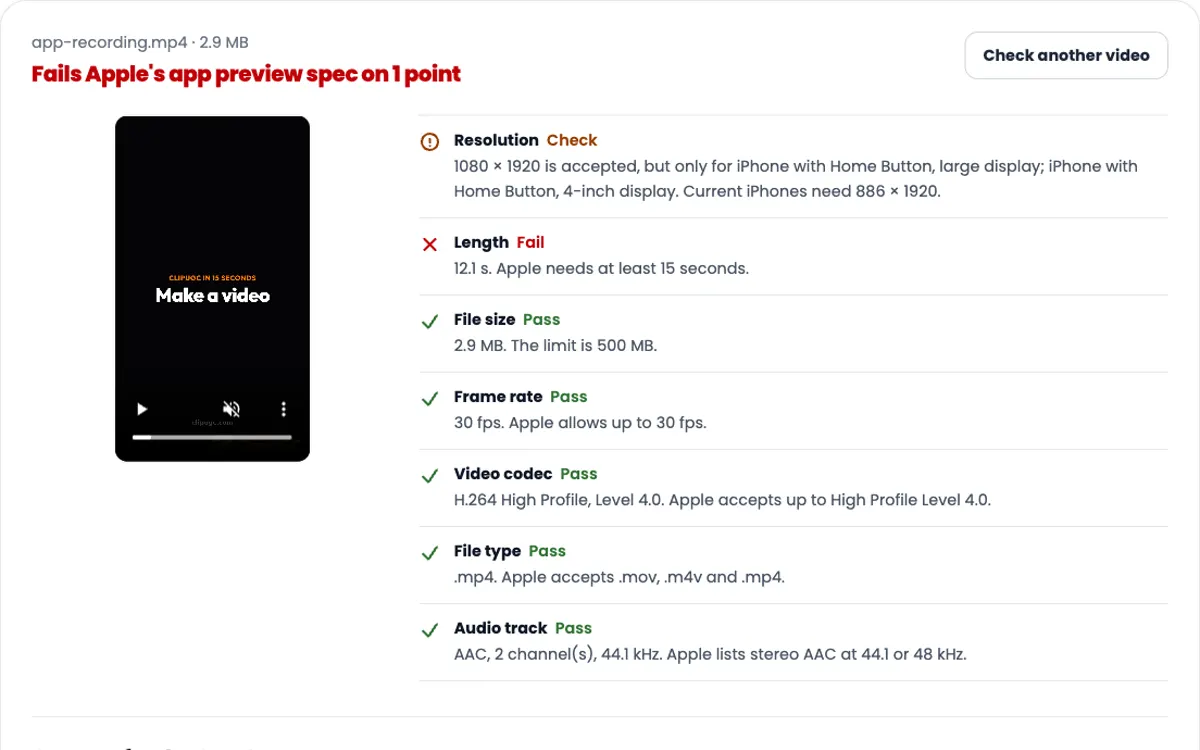
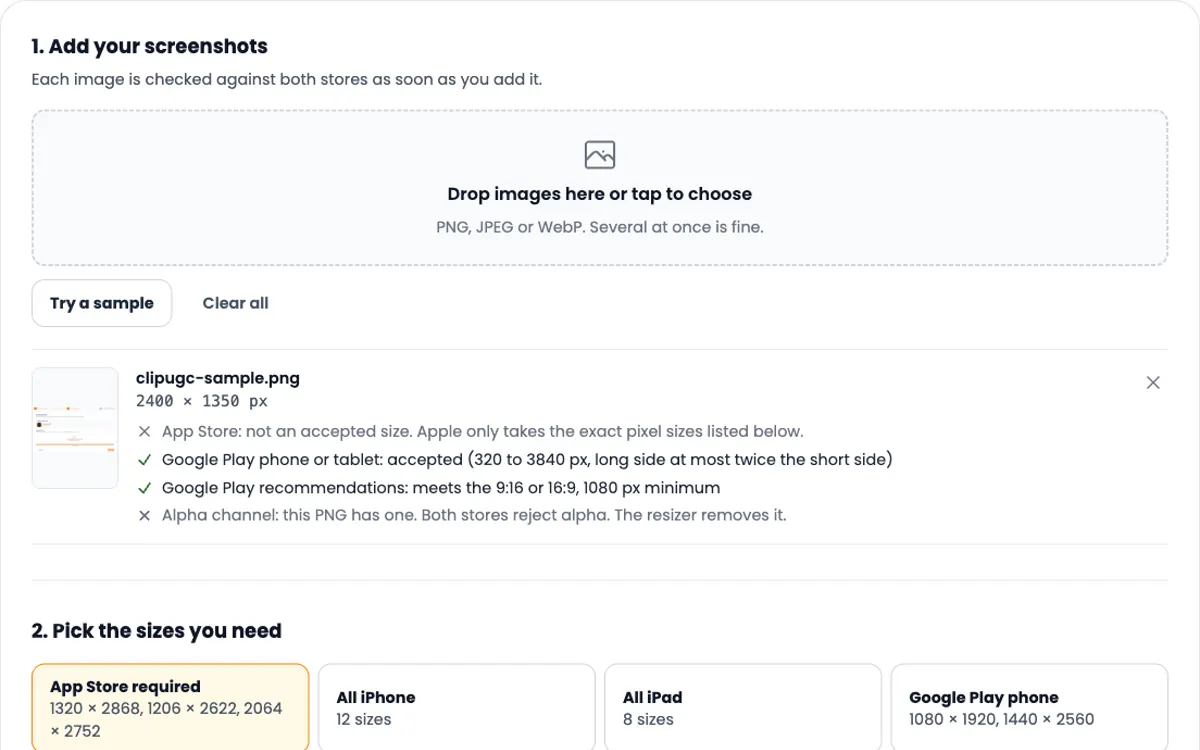
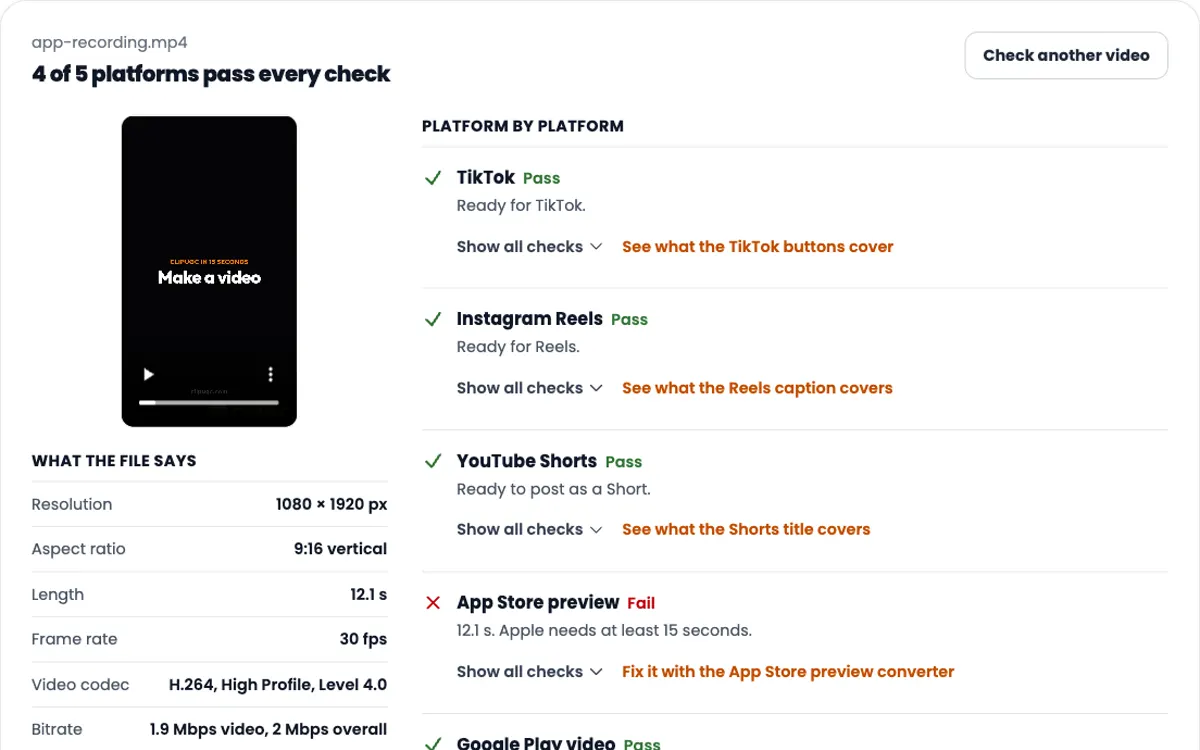
Check one file against TikTok, Reels, Shorts and the app stores at once.
Need the video itself?
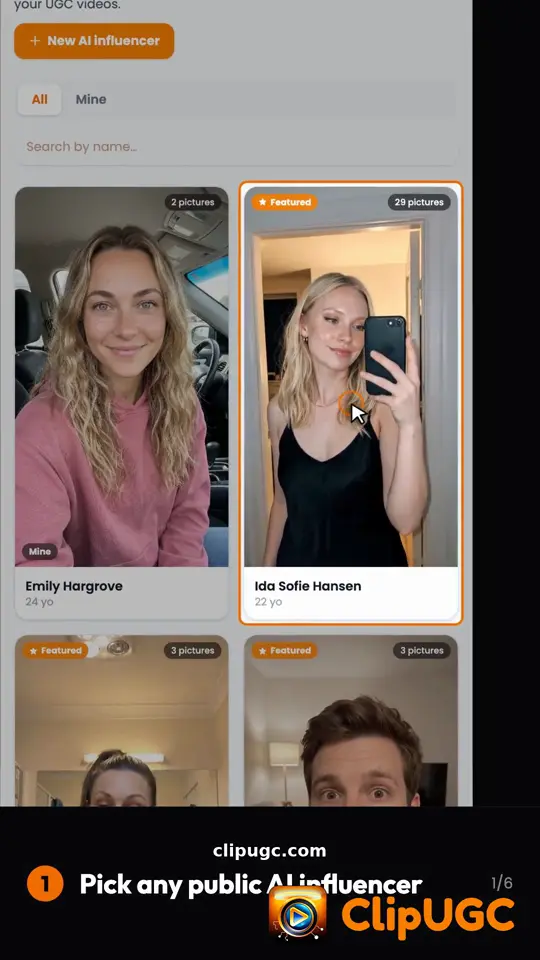
ClipUGC makes vertical UGC videos for your app. An AI influencer says your hook, then your app footage plays. The result fits TikTok, Reels and Shorts.
Free credits. No card.
Ida, made with ClipUGC
More free tools
Questions people ask
Drop one clip in the Top slot and the other in the Bottom slot, pick a split, then export. The tool stacks them into one 1080 x 1920 MP4 on your device.
Use a 9:16 frame of 1080 x 1920. Keep faces and text out of the top 240 px and the bottom 660 px, where the TikTok buttons and caption sit. Export as an H.264 MP4. This tool does all of that by default.
No. The video you download has no watermark and no logo. The tool is free and needs no signup.
No. Your clips are read and encoded in your browser. Nothing is sent to a server, so private recordings stay private.
1080 x 1920 pixels at 30 fps, H.264 video with AAC audio in an MP4 file, up to 60 seconds. A 720 x 1280 option exports faster on phones.
Yes. Either slot takes a JPG or PNG. The image stays still for the whole video. If both slots hold images, set the length yourself.
Export needs a browser that can encode H.264 video and AAC audio, such as current Chrome or Edge. The tool checks this before you start and says so if yours cannot.
Your video passed the check. Now make one worth posting
Create an AI influencer, give them your hook, and add your app footage. Free credits cover the first video.