TikTok safe zone checker and template
On a 1080 x 1920 video, keep text out of the top 240 px, the bottom 660 px, 120 px per side and the lower-right 300 px.
Free No signup Files stay on your device
- 1080 x 1920 canvas
- 9:16
- Clear at the top
- 240 px
- Clear at the bottom
- 660 px
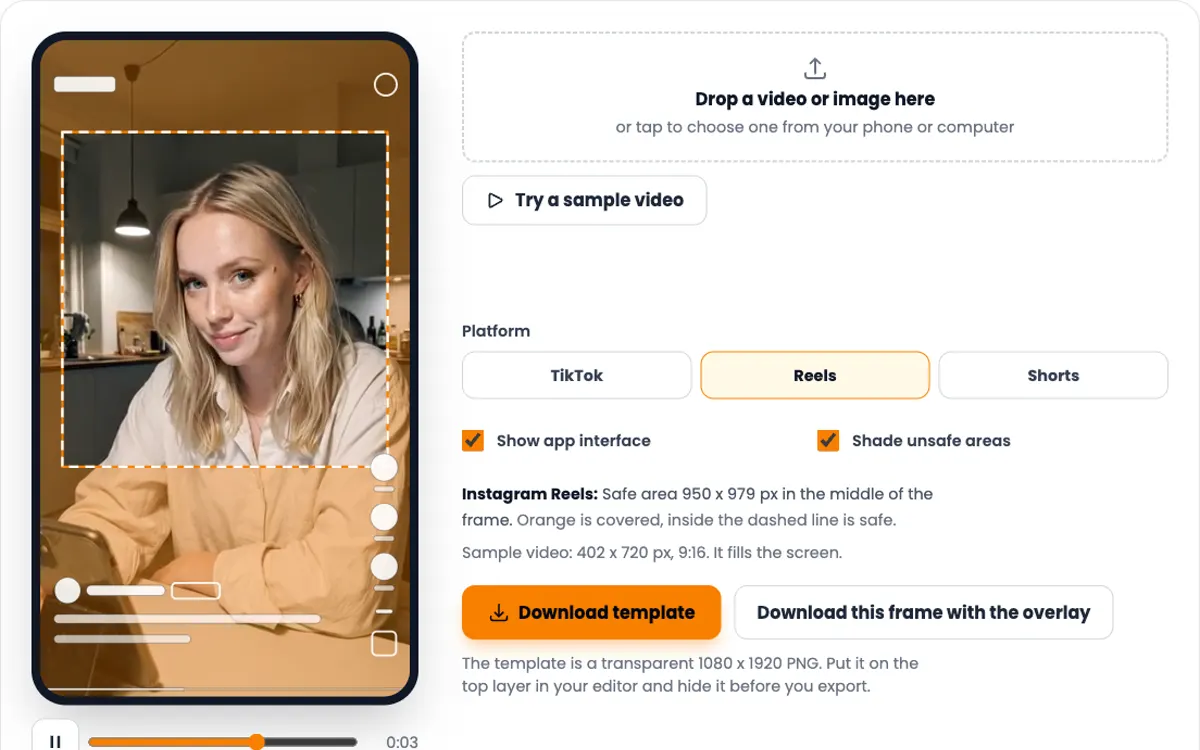
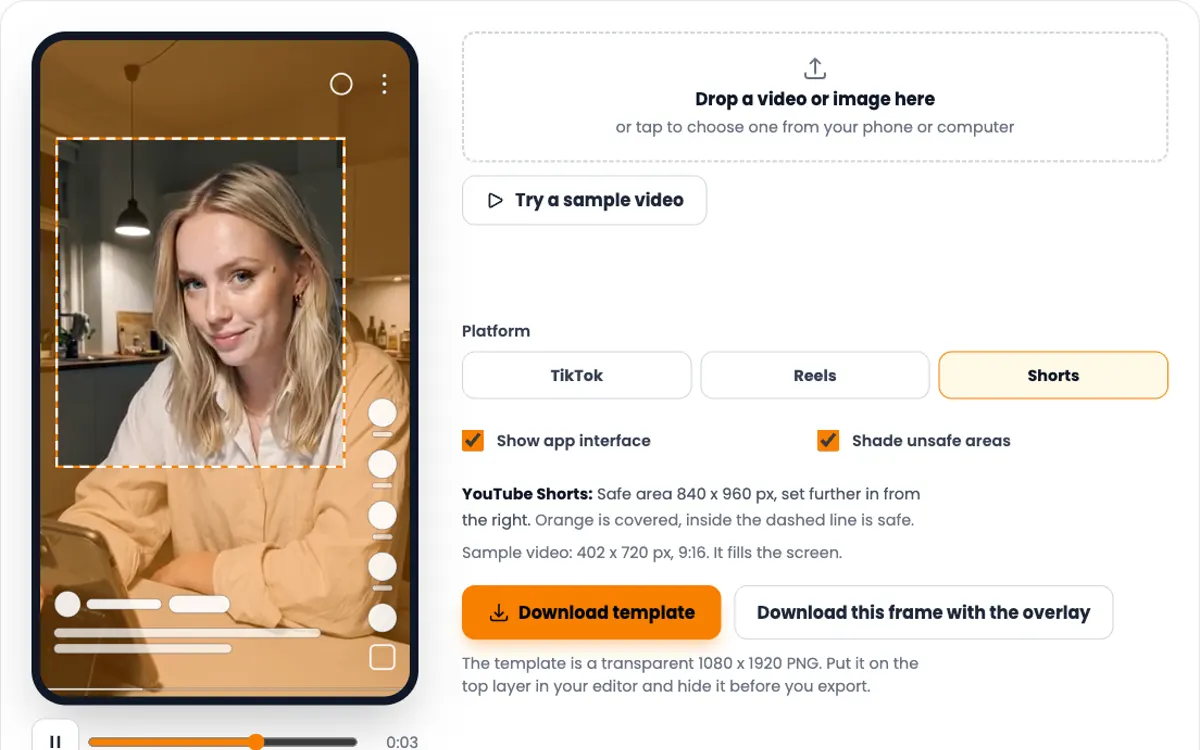
TikTok: Safe area 840 x 1020 px, narrowing to 660 px wide beside the buttons. Orange is covered, inside the dashed line is safe.
Showing the sample frame, 402 x 720 px, 9:16.
The template is a transparent 1080 x 1920 PNG. Put it on the top layer in your editor and hide it before you export.
TikTok safe zone dimensions
Measured on a 1080 x 1920 frame. Each row is how far in from that edge the interface can reach.
| Keep clear | Pixels | Share of frame |
|---|---|---|
| Top | 240 px | 12.5% |
| Bottom | 660 px | 34.4% |
| Left side | 120 px | 11.1% |
| Right side, upper part | 120 px | 11.1% |
| Right side, from 840 px down (button column) | 300 px | 27.8% |
| Safe area | 840 x 1020 px | 77.8% x 53.1% |
Where the numbers come from: TikTok publishes a safe zone file for in-feed videos on its TikTok for Business help center. The file is drawn at 720 x 1280. We measured it and scaled it to 1080 x 1920. Checked 9 October 2026.
One caveat. That file is made for promoted videos, which carry a button under the caption. TikTok does not publish separate numbers for organic posts, and the interface moves a little between phones. Treat the line as a minimum, not a target.
How to use the checker and template
-
1
Drop in your export
Use the finished 1080 x 1920 file, not the project. On a phone, pick it straight from the camera roll. It stays on your device.
-
2
Scrub to the busy moments
Pause on the hook in the first second, then on every caption and every screen recording. Those are the frames that get covered.
-
3
Turn the interface off and on
Hide the app layer to see your frame clean, then show it again. Anything orange or under a shape will be hard to read on the phone.
-
4
Download the template for next time
Put the PNG on the top track in CapCut, Premiere Pro or Final Cut and design inside the dashed line. Hide the track before you export.
What to keep inside the TikTok safe zone
Background can run edge to edge. Anything a viewer has to read or recognise belongs inside the line.
The hook text
Place it just below the 240 px line, in the upper third. That is where eyes land first, and it stays clear of the caption at the bottom.
Subtitles
Editors default subtitles to the bottom. On TikTok that is exactly where the caption sits. Move them up so the last line ends above 1260 px.
Your app on screen
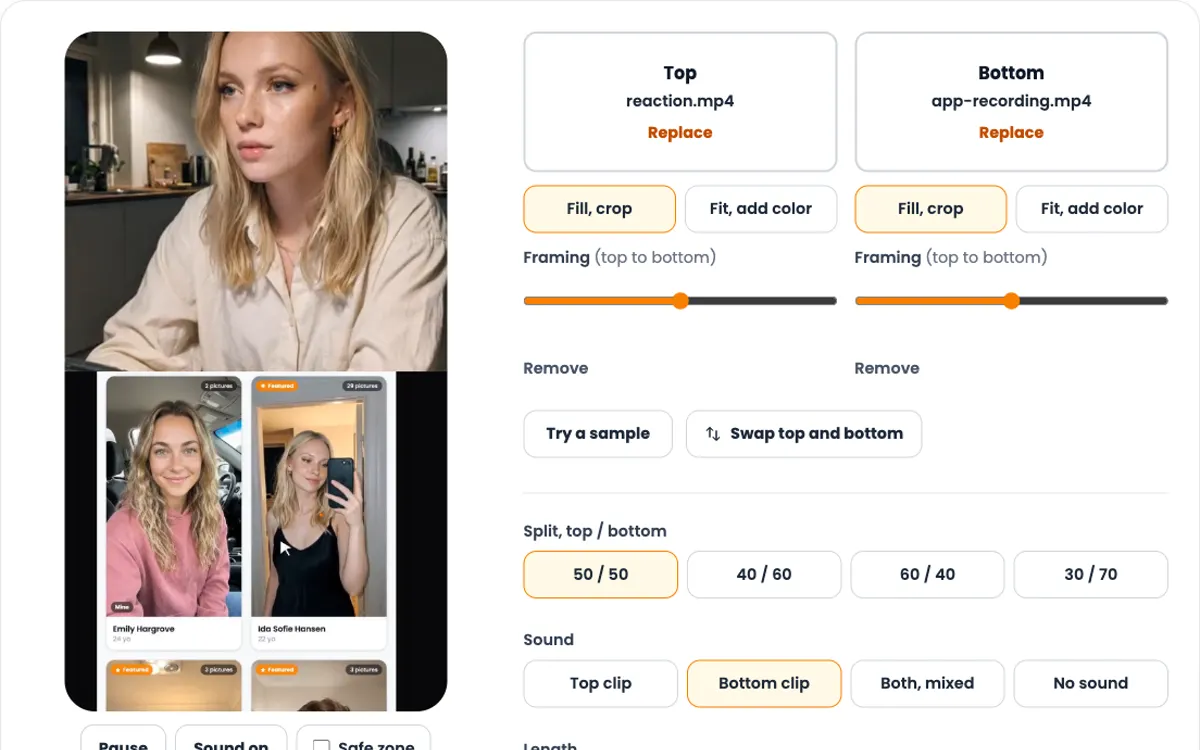
A full-screen recording of an app loses its bottom tab bar and its right edge to TikTok. Scale it to fit the 840 x 1020 px safe area and center it, or crop to the part that matters.
The face
Frame the creator, or the AI influencer, with the eyes around one third down. Low framing puts the mouth behind the username and the chin behind the caption.
Posting the same video elsewhere?
Instagram Reels needs more room at the top (269 px) and bottom (672 px), but less on the sides. YouTube Shorts keeps 192 px clear on the right. The switch in the checker above shows all three on your own file.
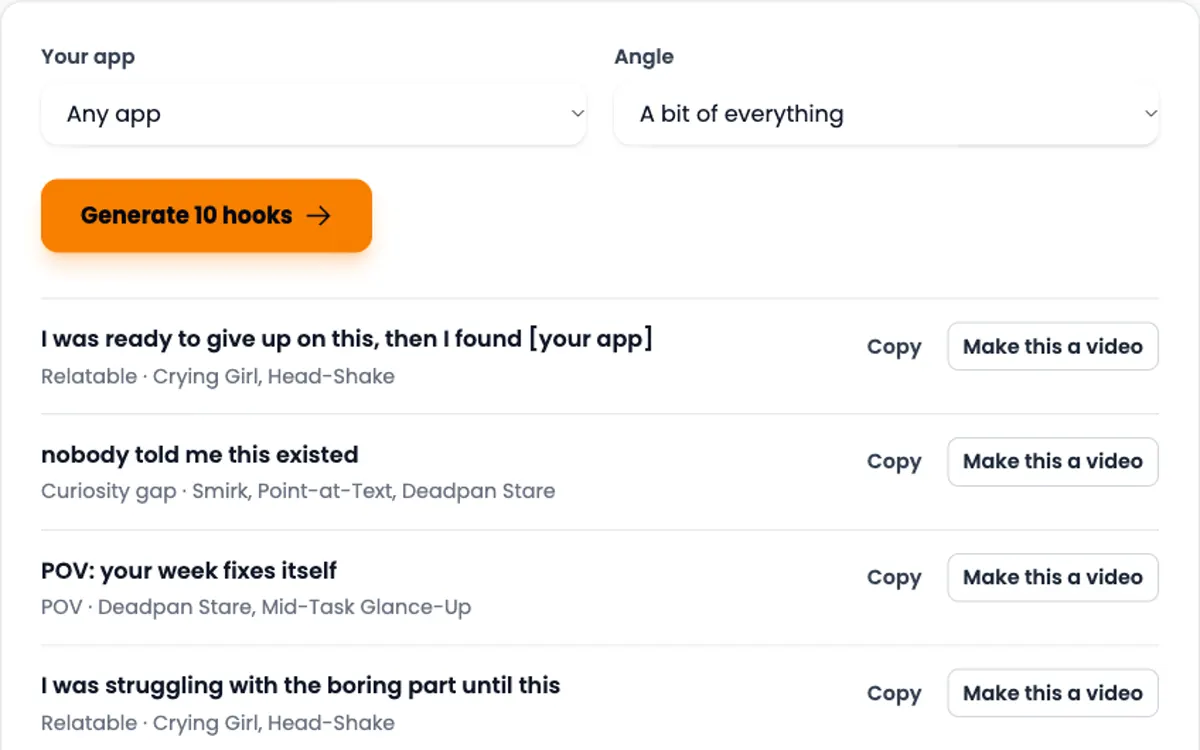
For the full Reels numbers and a box that works on all three apps, see the Instagram Reels safe zone template. Need words for that first second? The free UGC hook generator writes 10 hooks for your app niche.
Need the video itself?
ClipUGC makes vertical UGC videos for your app. An AI influencer says your hook, then your app footage plays. The result fits TikTok, Reels and Shorts.
Free credits. No card.
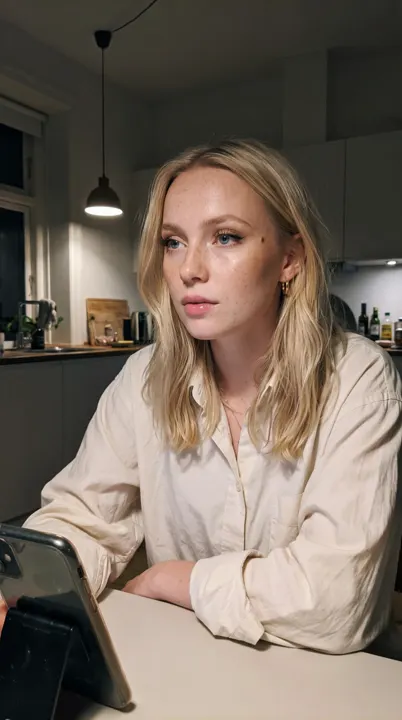
Ida, made with ClipUGC
More free tools
Questions people ask
It is the part of a vertical video that the TikTok interface does not cover. On a 1080 x 1920 video it starts 240 px from the top, ends 660 px above the bottom and sits 120 px in from each side, with extra room on the right beside the buttons.
1080 x 1920 pixels, a 9:16 vertical frame. TikTok accepts 9:16 from 540 x 960 up, but 1080 x 1920 is the standard export from every editor.
The numbers on this page come from the file TikTok publishes for promoted in-feed videos, which add a button under the caption. Organic posts have no button, so a little more of the bottom shows. The template is the safe choice for both.
Use the Download template button above. It saves a transparent 1080 x 1920 PNG with the safe zone marked, ready for CapCut, Premiere Pro, Final Cut or Canva.
The editor shows the full frame. On a phone, TikTok puts the username, caption, sound line and buttons on top of the video. A long caption pushes that layer higher.
Slightly. Screen shape and app version move the buttons a few pixels, and TikTok itself says its preview is not specific to a device. Keep a small margin inside the line.
Your video passed the check. Now make one worth posting
Create an AI influencer, give them your hook, and add your app footage. Free credits cover the first video.