Instagram Reels safe zone template and checker
Keep text out of the top 14% (269 px), the bottom 35% (672 px) and 6% (65 px) each side of a 1080 x 1920 Reel.
Free No signup Files stay on your device
- Top 14%
- 269 px
- Bottom 35%
- 672 px
- Each side, 6%
- 65 px
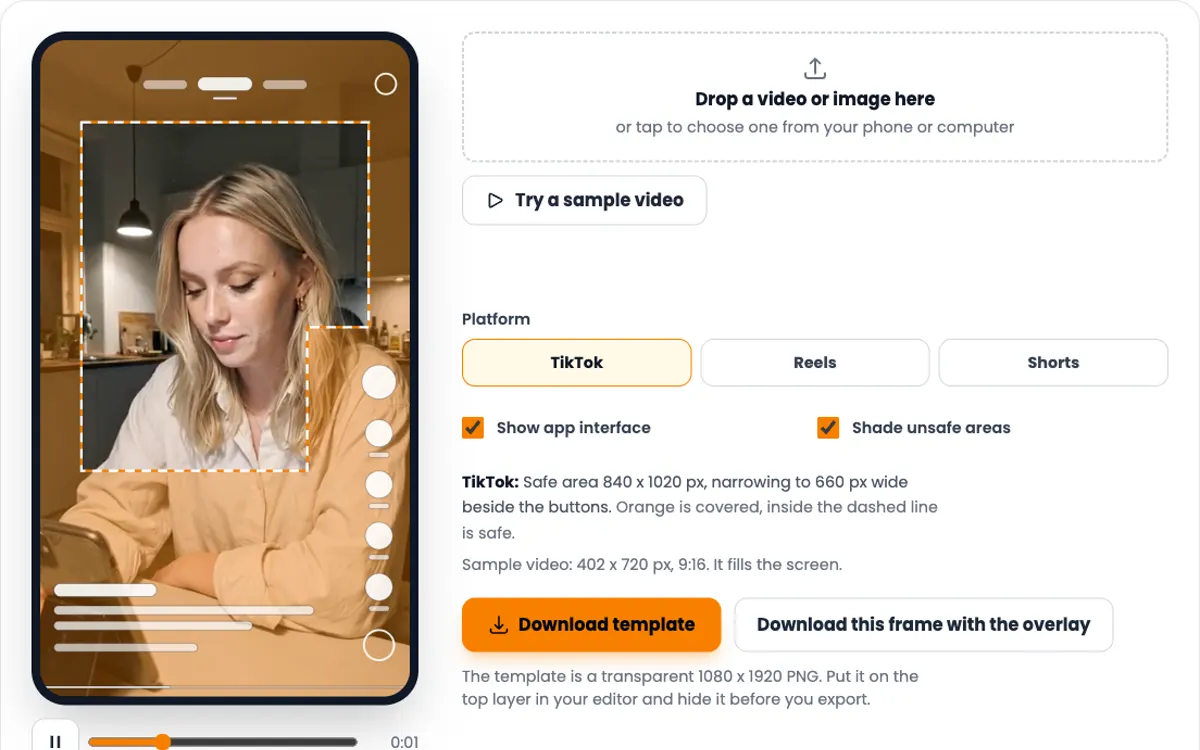
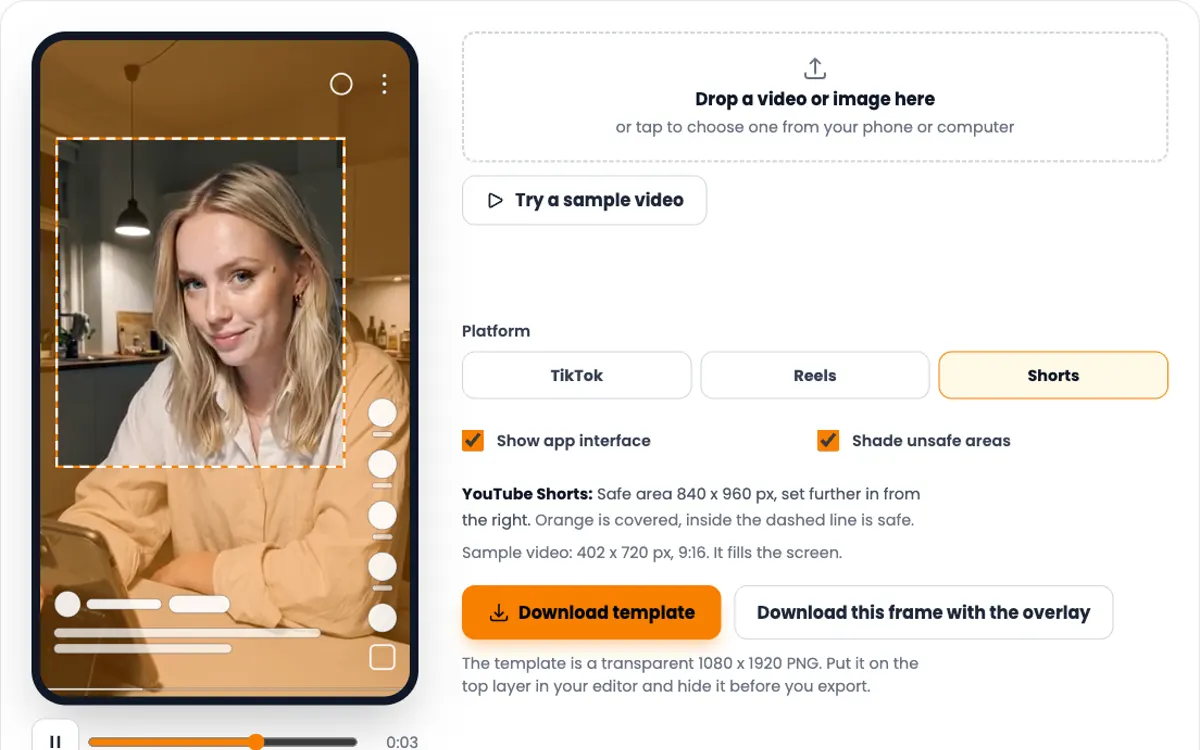
Instagram Reels: Safe area 950 x 979 px in the middle of the frame. Orange is covered, inside the dashed line is safe.
Showing the sample frame, 402 x 720 px, 9:16.
The template is a transparent 1080 x 1920 PNG. Put it on the top layer in your editor and hide it before you export.
Instagram Reels safe zone dimensions
Meta gives the safe zone in percent. Here it is in pixels for the standard 1080 x 1920 Reel.
| Keep clear | Pixels | Share of frame |
|---|---|---|
| Top | 269 px | 14% |
| Bottom | 672 px | 35% |
| Left side | 65 px | 6% |
| Right side | 65 px | 6% |
| Safe area | 950 x 979 px | 88% x 51% |
Source: Meta's specs guide for Reels placements, checked 9 October 2026. Pixels are rounded to the nearest whole pixel.
Meta calls these numbers approximate, and they are written for promoted Reels. Meta does not publish a separate figure for organic posts. The right-hand buttons start near the 35% line on many phones, so leave text a little extra room on the right as well.
How to use the Reels safe zone template
-
1
Download the template first
Press Download template with Reels selected. You get a transparent 1080 x 1920 PNG with the unsafe area shaded and the safe line dashed.
-
2
Lay it over your edit
In CapCut, Canva, Premiere Pro or Final Cut, put the PNG on the top layer and stretch it to the full frame. Lower its opacity if it gets in the way.
-
3
Design inside the line
Place titles, subtitles, product shots and logos inside the dashed box. Let the footage itself fill the whole frame.
-
4
Check the export here
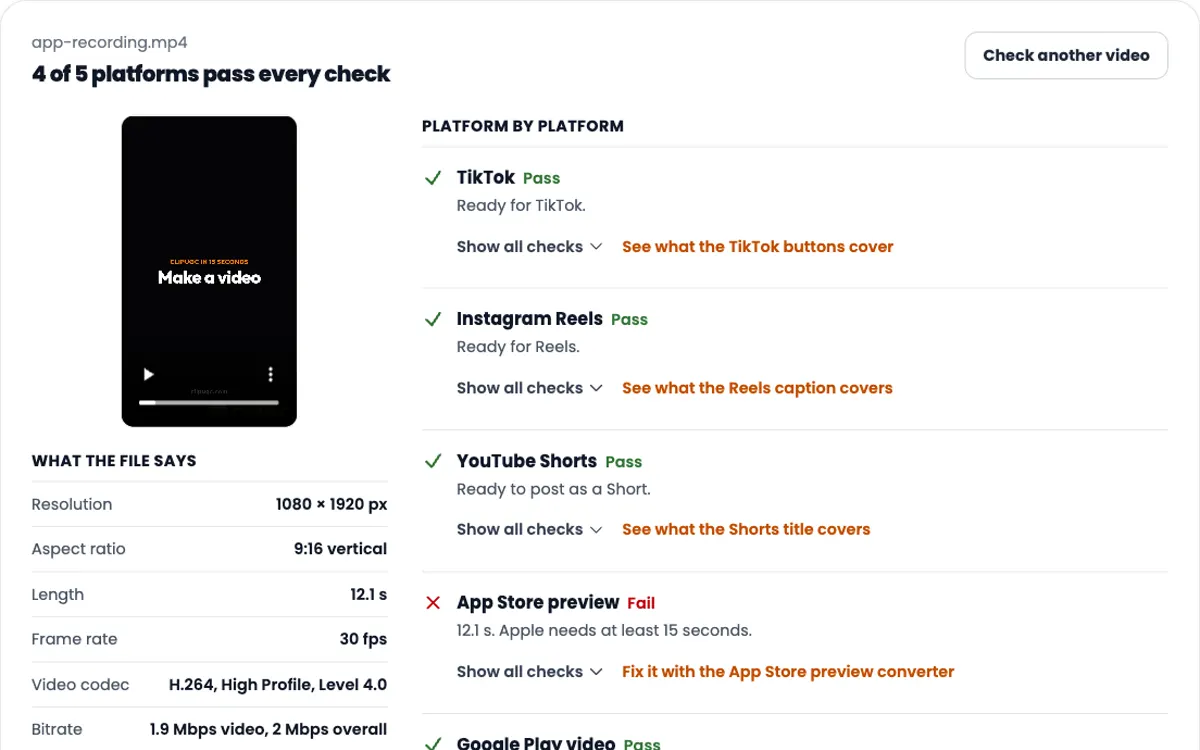
Hide the template, export, and drop the finished Reel into the checker above. Pause on every text frame before you post.
What belongs inside the Reels safe zone
Reels covers more of the bottom than most people expect. About a third of the frame goes to the name, caption and sound line.
Opening text
Start it below 269 px so the Reels title and camera button never touch it. Two short lines read faster than one long one.
Subtitles
The bottom 672 px is taken. Keep the last subtitle line above 1248 px, about two thirds of the way down the screen.
App screens and product shots
The Reels safe area is wide but short, about 950 x 979 px. A tall phone recording will not fit at full size. Show the one screen that matters, cropped and centered.
The cover frame
Your profile grid shows a cropped cover. Keep the cover title and the face near the center, inside the same safe box.
One safe box for Reels, TikTok and Shorts
Most app videos go to all three apps. Take the strictest edge from each and you get one box: 288 px from the top (Shorts), 672 px from the bottom (Reels and Shorts), 120 px from the left (TikTok) and 192 px from the right (Shorts). From 840 px down, stay 300 px from the right for the TikTok buttons.
That box is 768 x 960 px. Design inside it once and nothing important gets covered anywhere. Use the platform switch in the checker to confirm it on your own file.
TikTok has its own page with the full numbers and source: TikTok safe zone checker. Stuck on what the text should say? Try the free UGC hook generator.
Need the video itself?
ClipUGC makes vertical UGC videos for your app. An AI influencer says your hook, then your app footage plays. The result fits TikTok, Reels and Shorts.
Free credits. No card.
Ida, made with ClipUGC
More free tools
Questions people ask
It is the middle of a Reel that the Instagram interface leaves visible. Meta advises keeping about 14% of the top, 35% of the bottom and 6% of each side free of text and logos.
On a 1080 x 1920 Reel: 269 px at the top, 672 px at the bottom and 65 px on each side. That leaves a safe area of about 950 x 979 px.
1080 x 1920 pixels, 9:16 vertical. Meta lists 9:16 as the recommended ratio for Reels placements.
They come from Meta's specs guide for promoted Reels, which is the only place Meta publishes them. Organic Reels use the same layout without the sponsored label, so the numbers are a safe guide for both.
Not as it is. Reels needs more space at the top and bottom, while TikTok needs more on the right. Use the all three apps box on this page if one file goes everywhere.
Add the PNG as an overlay on the top layer, stretch it to the full 1080 x 1920 frame, and design inside the dashed line. Hide or delete the layer before you export.
Your video passed the check. Now make one worth posting
Create an AI influencer, give them your hook, and add your app footage. Free credits cover the first video.