App icon generator for iOS and Android
Drop one 1024 × 1024 image. Get the App Store icon, every Android mipmap size and web favicons in one zip.
Free No signup Files stay on your device
- App Store icon
- 1024 × 1024
- Google Play icon
- 512 × 512
- Adaptive layer, xxxhdpi
- 432 × 432
1. Add your icon image
One square image, 1024 × 1024 or larger. PNG, JPG, WebP or SVG.
- Not square.
- Smaller than 1024 px. The App Store icon is scaled up and may look soft. Start from 1024 × 1024 if you can.
- Transparent areas found. App Store icons cannot have an alpha channel, so iOS icons get the background color below.
- Square, large enough and fully opaque. Ready for both stores.
2. Choose the platforms
3. Check it at real size
iPhone Home Screen at 60 pt, Android at 48 dp in a circle and in the Google Play shape, and a 16 px browser tab icon.
Light
Dark
The masks are close approximations. Each launcher draws its own shape.
4. Download
The zip has ios, android and web folders, laid out the way Xcode and Android Studio expect. iOS files are PNG with no alpha channel.
iOS app icon sizes
One file is enough for iOS today. Give Xcode a 1024 × 1024 pixel PNG and it makes every smaller size for the Home Screen, Spotlight, Settings and notifications.
That file must be square and fully opaque. iOS rounds the corners itself, so do not round them in your file. An App Store icon with transparency or an alpha channel fails upload with error ITMS-90717.
Want a small size to look different, with less detail? Switch the icon to All Sizes in Xcode and supply each one. These are the sizes Apple lists, in points and pixels.
| Where it shows | Points | @2x (px) | @3x (px), iPhone |
|---|---|---|---|
| App Store and Xcode single size | 1024 × 1024 px, one file. Xcode makes every size below from it. | ||
| Home Screen on iPhone | 60 pt | 120 × 120 | 180 × 180 |
| Home Screen on iPad Pro | 83.5 pt | 167 × 167 | None |
| Home Screen on iPad and iPad mini | 76 pt | 152 × 152 | None |
| Spotlight | 40 pt | 80 × 80 | 120 × 120 |
| Settings | 29 pt | 58 × 58 | 87 × 87 |
| Notifications | 38 pt | 76 × 76 | 114 × 114 |
| Also in the Xcode All Sizes set | 20 pt | 40 × 40 | 60 × 60 |
| Also in the Xcode All Sizes set | 64 pt | 128 × 128 | 192 × 192 |
| Also in the Xcode All Sizes set | 68 pt | 136 × 136 | None |
Other Apple platforms: macOS and visionOS use a 1024 × 1024 layout, watchOS 1088 × 1088 and tvOS 800 × 480.
Dark and tinted icons: iOS lets people switch to dark, clear or tinted icons and generates any variant you skip. A custom dark icon needs a transparent background. A custom tinted icon is a grayscale image.
Xcode also takes layered icons made in Icon Composer, the icon tool that comes with it. A flat 1024 px PNG still works.
Android app icon sizes
Android sizes are set in dp and drawn once per screen density. The launcher icon is 48 × 48 dp, which is 48 px on an mdpi screen and 192 px on xxxhdpi. Icons go in mipmap folders, not drawable.
Android 8.0 and newer use adaptive icons: a foreground and a background layer, each 108 × 108 dp. The launcher cuts them to its own shape and shows the middle 72 dp. Only the center 66 dp is safe from clipping on every device.
Android 13 added an optional monochrome layer for themed icons. From Android 16 QPR 2, the system themes icons that do not have one.
| Icon | mdpi ~160 dpi | hdpi ~240 dpi | xhdpi ~320 dpi | xxhdpi ~480 dpi | xxxhdpi ~640 dpi |
|---|---|---|---|---|---|
| Launcher icon, 48 dp ic_launcher.png | 48 × 48 | 72 × 72 | 96 × 96 | 144 × 144 | 192 × 192 |
| Round launcher icon, 48 dp ic_launcher_round.png | 48 × 48 | 72 × 72 | 96 × 96 | 144 × 144 | 192 × 192 |
| Adaptive icon layer, 108 dp ic_launcher_foreground.png | 108 × 108 | 162 × 162 | 216 × 216 | 324 × 324 | 432 × 432 |
| Visible part of the layer, 72 dp after the mask | 72 × 72 | 108 × 108 | 144 × 144 | 216 × 216 | 288 × 288 |
| Safe zone, never clipped, 66 dp keep the logo here | 66 × 66 | 99 × 99 | 132 × 132 | 198 × 198 | 264 × 264 |
Densities scale 1x, 1.5x, 2x, 3x and 4x from mdpi. The adaptive XML files go in mipmap-anydpi-v26.
Google Play store icon
| Rule | Google Play |
|---|---|
| Size | 512 × 512 px |
| Format | 32-bit PNG, sRGB |
| File size | Up to 1024 KB |
| Shape | Full square. Google Play rounds the corners (30% of the icon size) and adds the shadow. |
| Content | No badges or text that suggest ranking, price or a Play category. |
Favicon and web app icons
| Icon | Size (px) | Used for |
|---|---|---|
| Favicon | 16 × 16, 32 × 32, 48 × 48 | Browser tabs and bookmarks. Google Search asks for a square icon and suggests larger than 48 × 48. |
| apple-touch-icon | 180 × 180 | Shown when someone adds your site to an iPhone Home Screen. |
| Web app manifest | 192 × 192, 512 × 512 | Chromium browsers need at least these two to install a web app. |
How to add the icons in Xcode and Android Studio
Xcode
-
Unzip and find the icon set
The ios folder holds AppIcon.appiconset with AppIcon-1024.png and Contents.json.
-
Replace the set in your project
In Finder, swap the AppIcon.appiconset folder inside your Assets.xcassets for the one from the zip.
-
Check it in Xcode
Select AppIcon in the asset catalog. The 1024 pt well is filled. Empty Dark and Tinted wells mean iOS makes those for you.
-
Build and run
Under the target General tab, App Icons Source should say AppIcon. The App Store takes the icon from your build.
Android Studio
-
Copy the res folder
Copy everything in android/res into app/src/main/res and replace the files that are already there.
-
Point the manifest at it
On the application tag, set android:icon to @mipmap/ic_launcher and android:roundIcon to @mipmap/ic_launcher_round.
-
Set the background color
The adaptive background is a color in values/ic_launcher_background.xml. Change it there whenever you like.
-
Upload the store icon
In Play Console, open your main store listing and upload android/ic_launcher-playstore.png as the app icon.
For a website, copy the files in the web folder to your site root and paste head-tags.html into your page head. Fill in your app name in site.webmanifest.
Icon design tips that matter at small size
One idea, few shapes
Apple asks for a simple concept made of a few shapes. Fine detail gets lost at 29 pt in Settings and 16 px in a browser tab.
Fill the square, skip the corners
Both stores want a full square. iOS, Android launchers and Google Play cut the shape and add the shadow themselves.
Keep the subject centered
Masks differ by device. On Android, keep anything important inside the 66 dp safe zone so a circle mask cannot cut it.
Leave out text
Apple says text in icons is often too small to read and cannot be translated. A single letter from your name can work.
No thin lines or baked effects
Thin strokes and sharp corners lose crispness when scaled down. Let the system draw highlights and shadows.
No ranking or price badges
Google Play rejects icons with text or badges that suggest ranking, price or a Play category.
The rest of your store listing
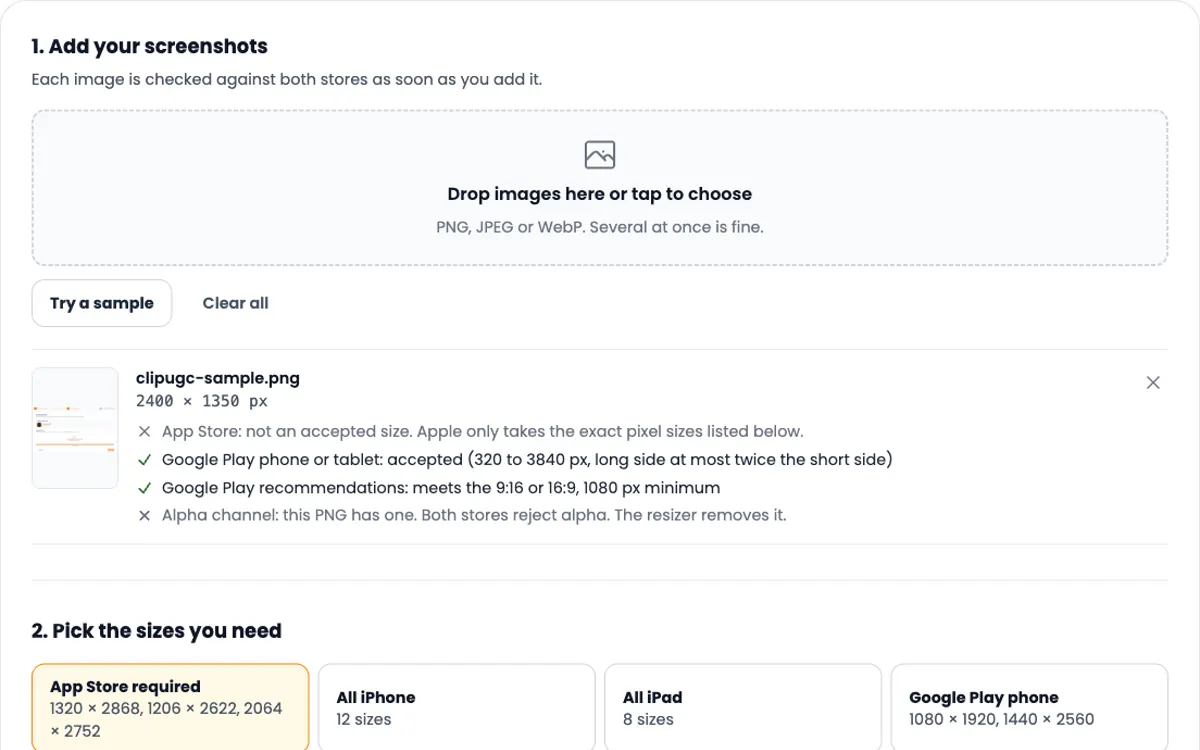
- App Store screenshot sizes: every iPhone, iPad and Google Play size, with a free resizer.
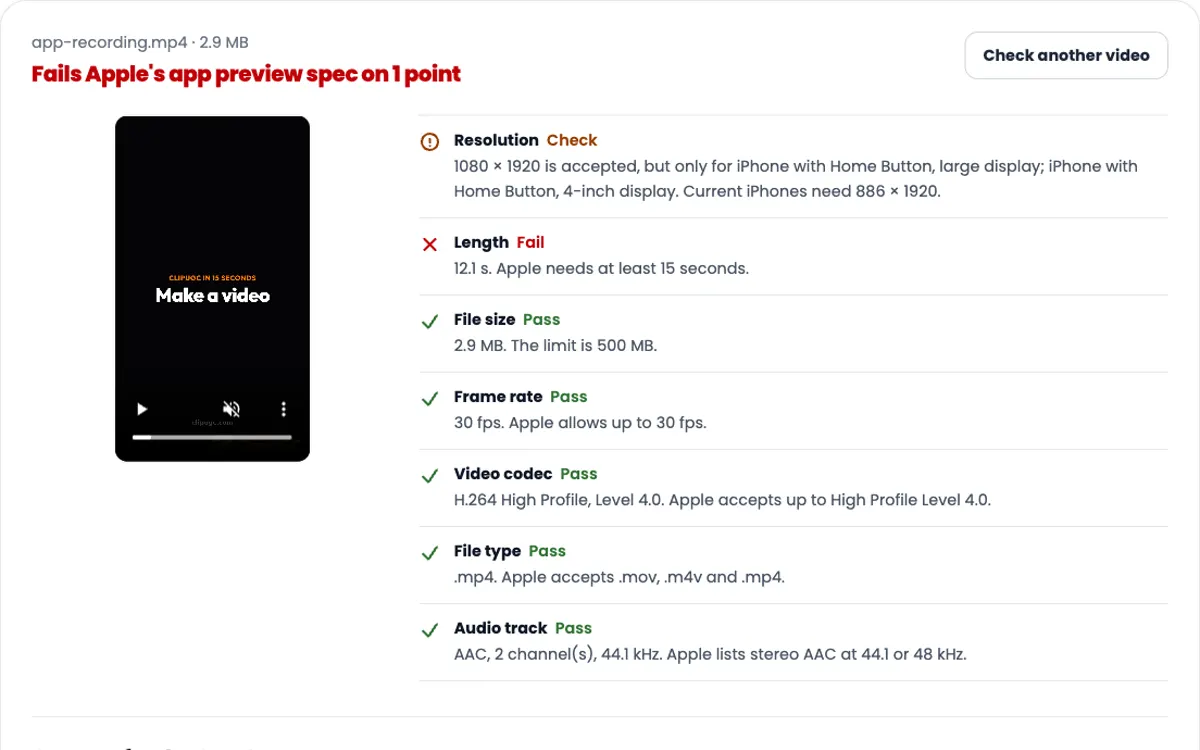
- App Store preview video specs: the video that plays before your screenshots.
Need the video itself?
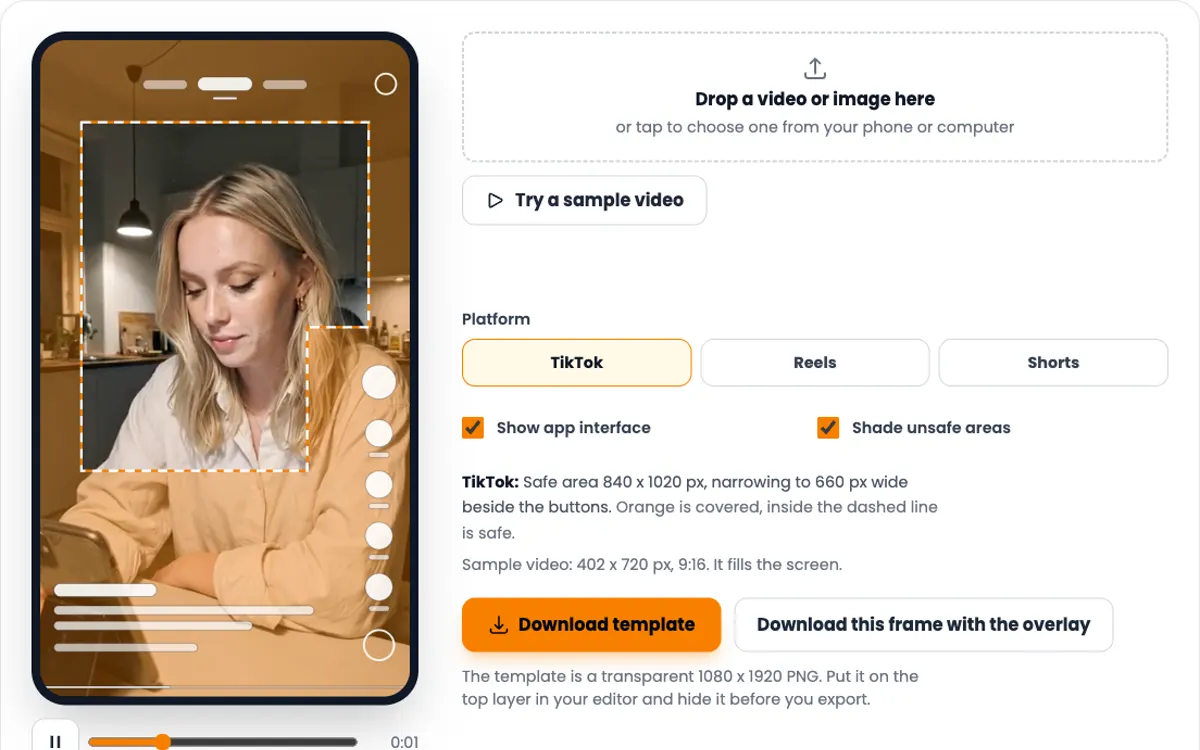
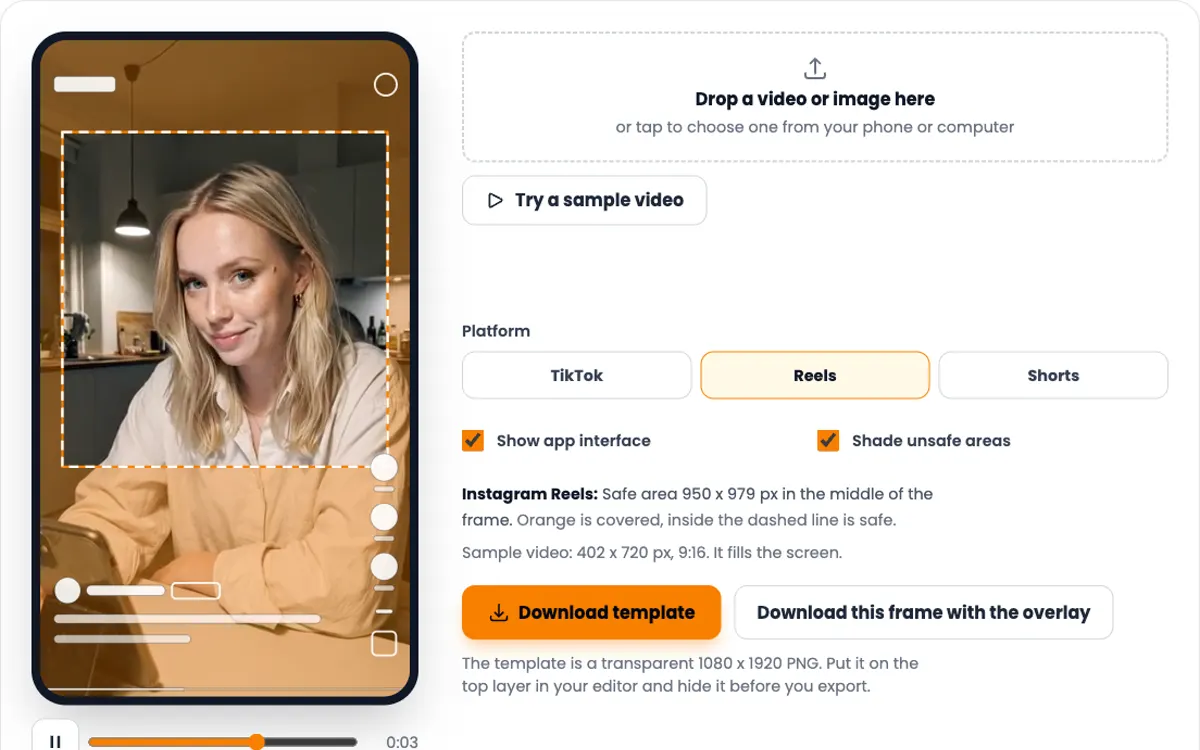
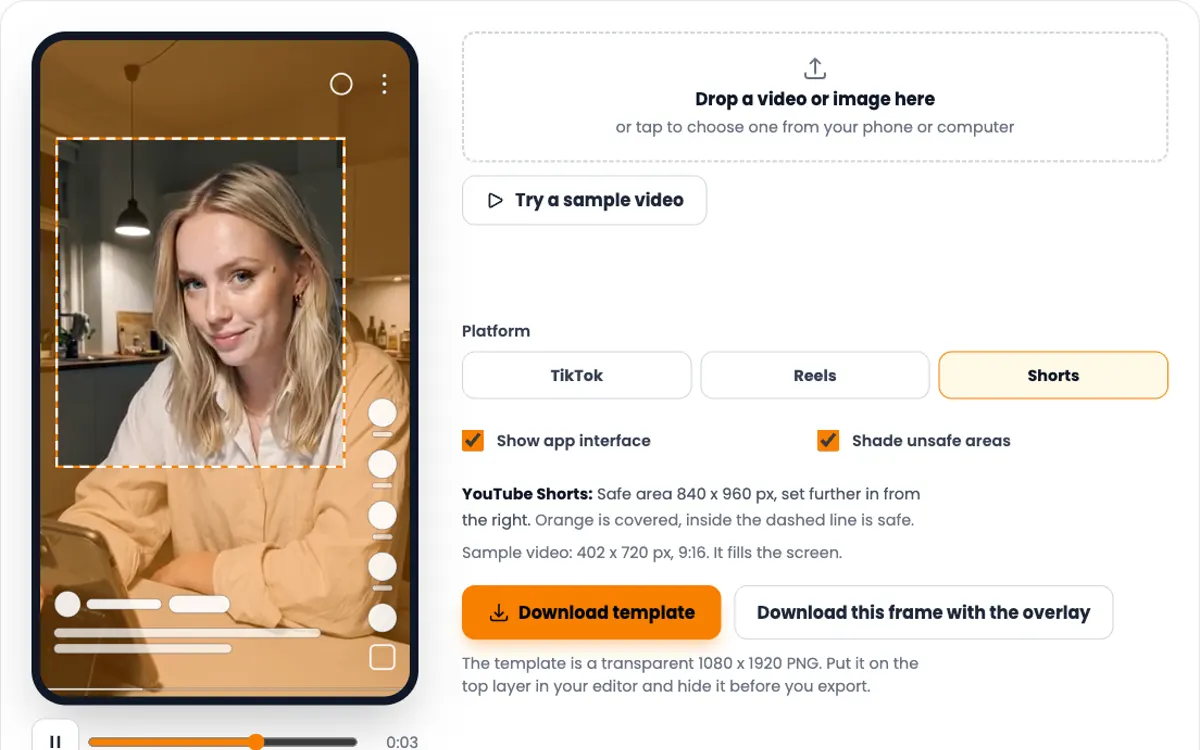
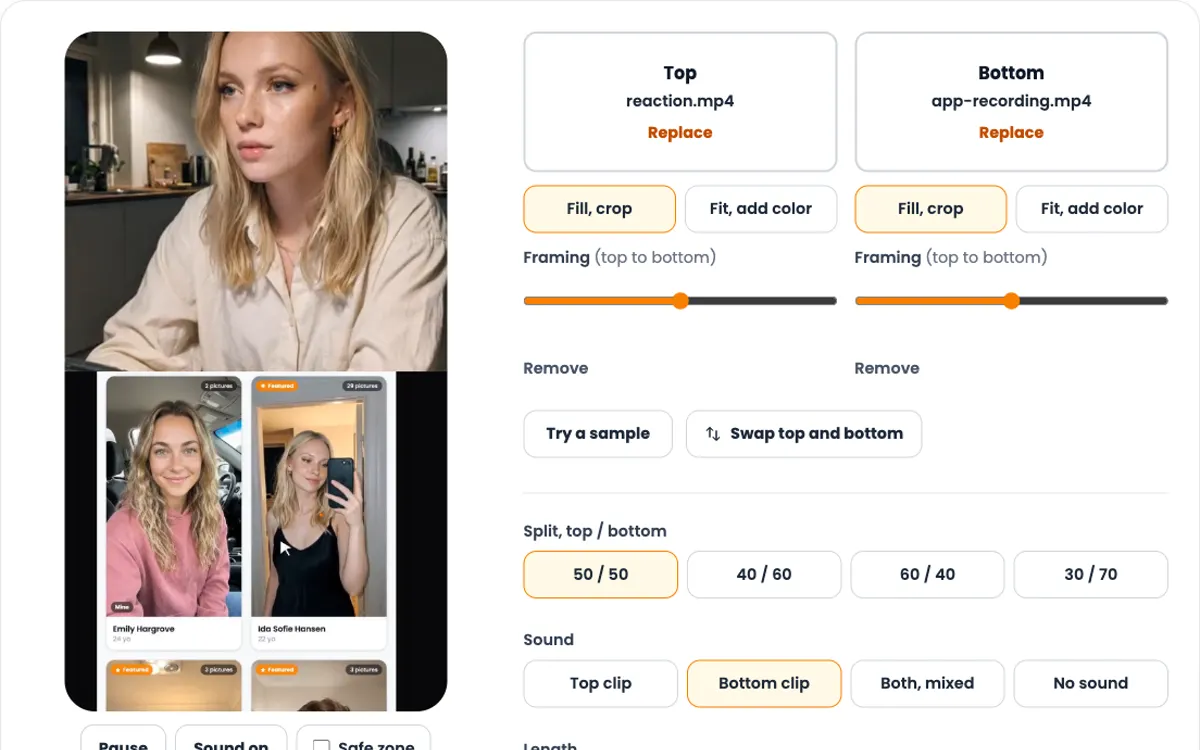
ClipUGC makes vertical UGC videos for your app. An AI influencer says your hook, then your app footage plays. The result fits TikTok, Reels and Shorts.
Free credits. No card.
Ida, made with ClipUGC
More free tools
Questions people ask
Start with 1024 × 1024 pixels. That is the App Store size, and Xcode makes every smaller iOS size from it. Google Play needs 512 × 512. Android launcher icons run from 48 × 48 (mdpi) to 192 × 192 (xxxhdpi).
No. Current Xcode versions take one 1024 × 1024 image and generate every other iOS size. You only need the full set if a small size should look different, for example with less detail. The generator can add that set too.
Not on iOS. App Store Connect rejects an App Store icon that is transparent or has an alpha channel (error ITMS-90717). Google Play takes a 32-bit PNG but asks for a background without transparency. This tool fills transparent areas with the color you pick.
An Android icon made of two layers, a foreground and a background, each 108 × 108 dp. The launcher masks them to a circle, a squircle or another shape, so only the middle 72 dp shows. Keep your logo inside the 66 dp safe zone. Android 8.0 and newer use them.
512 × 512 pixels, 32-bit PNG in sRGB, up to 1024 KB. Upload a full square. Google Play rounds the corners and adds the shadow itself, so do not bake either into the file.
No. People can switch their Home Screen to dark, clear or tinted icons, and iOS generates the variants you do not provide. To make your own, add a dark icon with a transparent background and a tinted icon as a grayscale image in Xcode.
No. The image is read, resized and zipped inside your browser. Nothing is sent to a server.
Icon done. Now give people a reason to tap it
Create an AI influencer, give them your hook, and add your app footage. Free credits cover the first video.